
Google Docs
Real-Time Team Collaboration with Google Docs
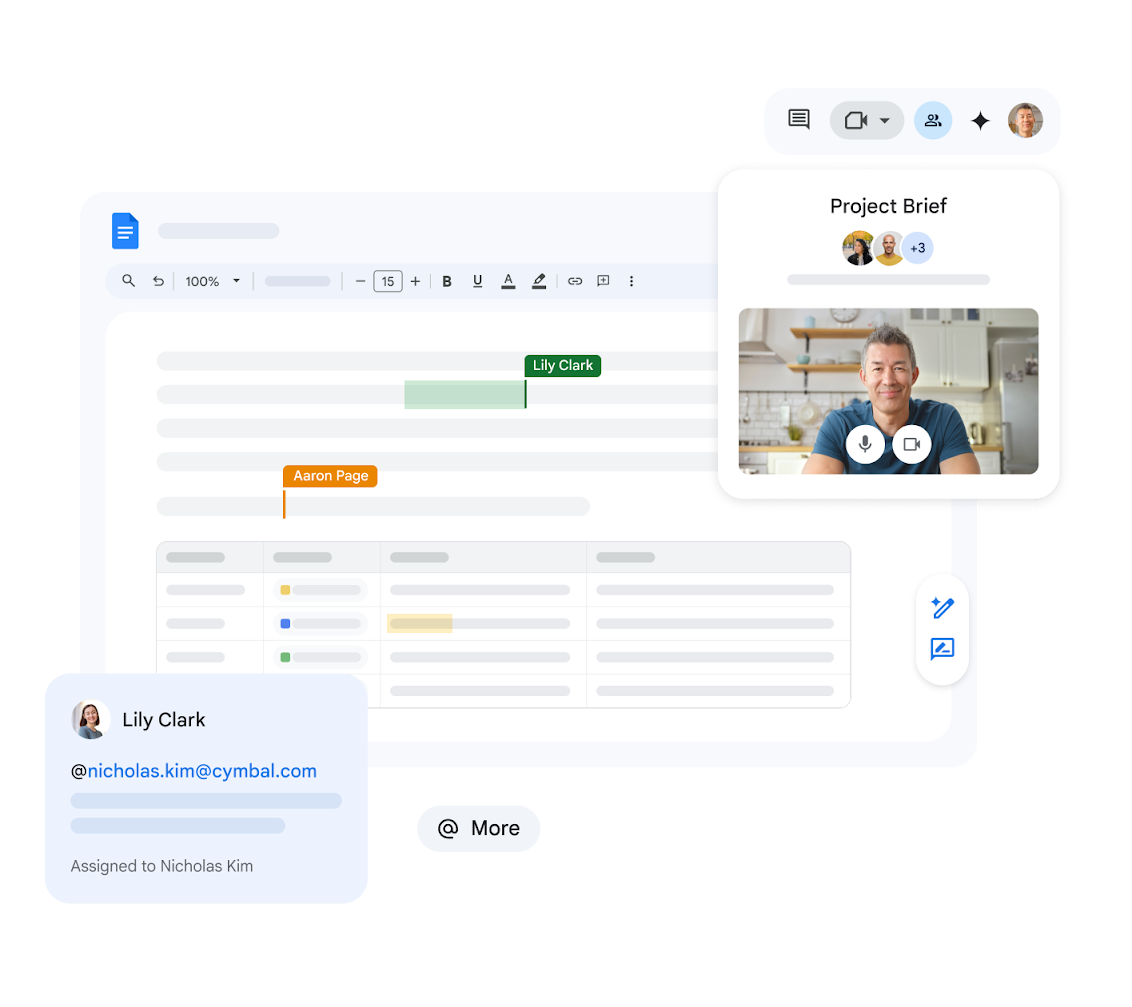
Google Docs enables multiple team members to work on the same document simultaneously, making it the perfect tool for collaborative projects in Georgia.
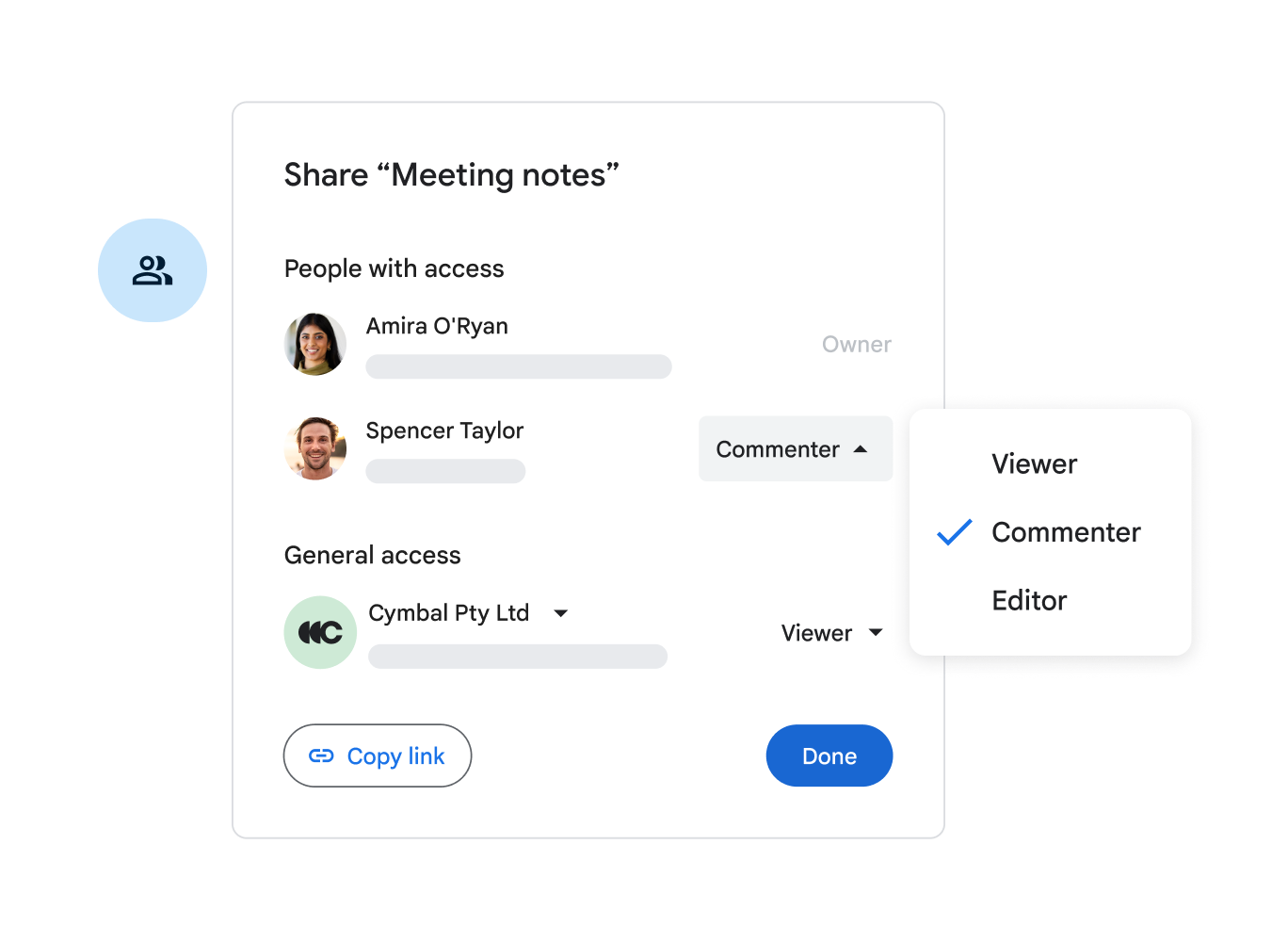
Members can view, edit, and comment in real-time, streamlining the entire creative process within the Google Workspace ecosystem.
Learn More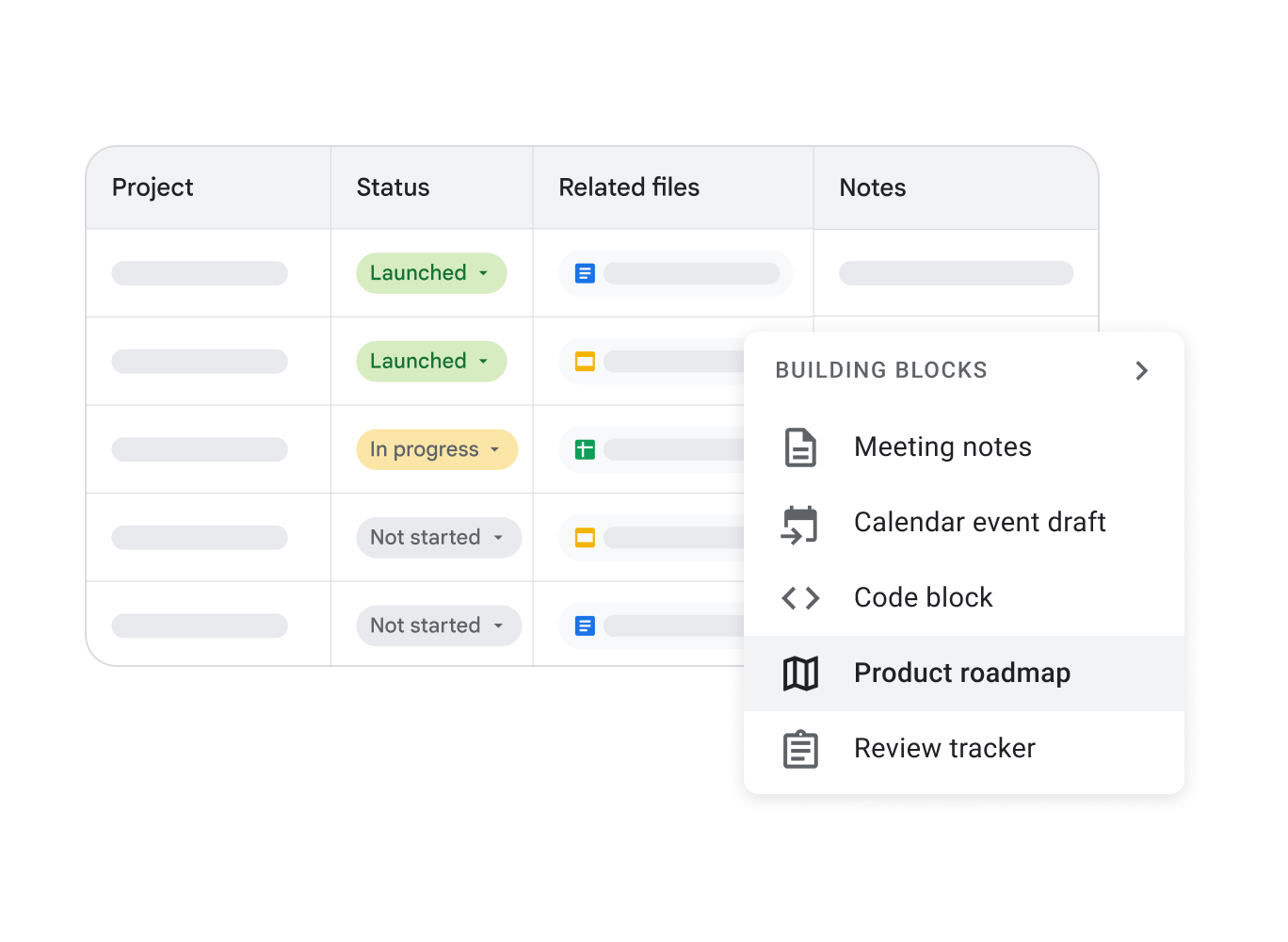
Access Your Documents Anytime, Anywhere
With Google Docs, your files are accessible from any device with an internet connection. Whether you are on a laptop, tablet, or smartphone, your work is always at your fingertips.
Seamless Integration with Google Drive
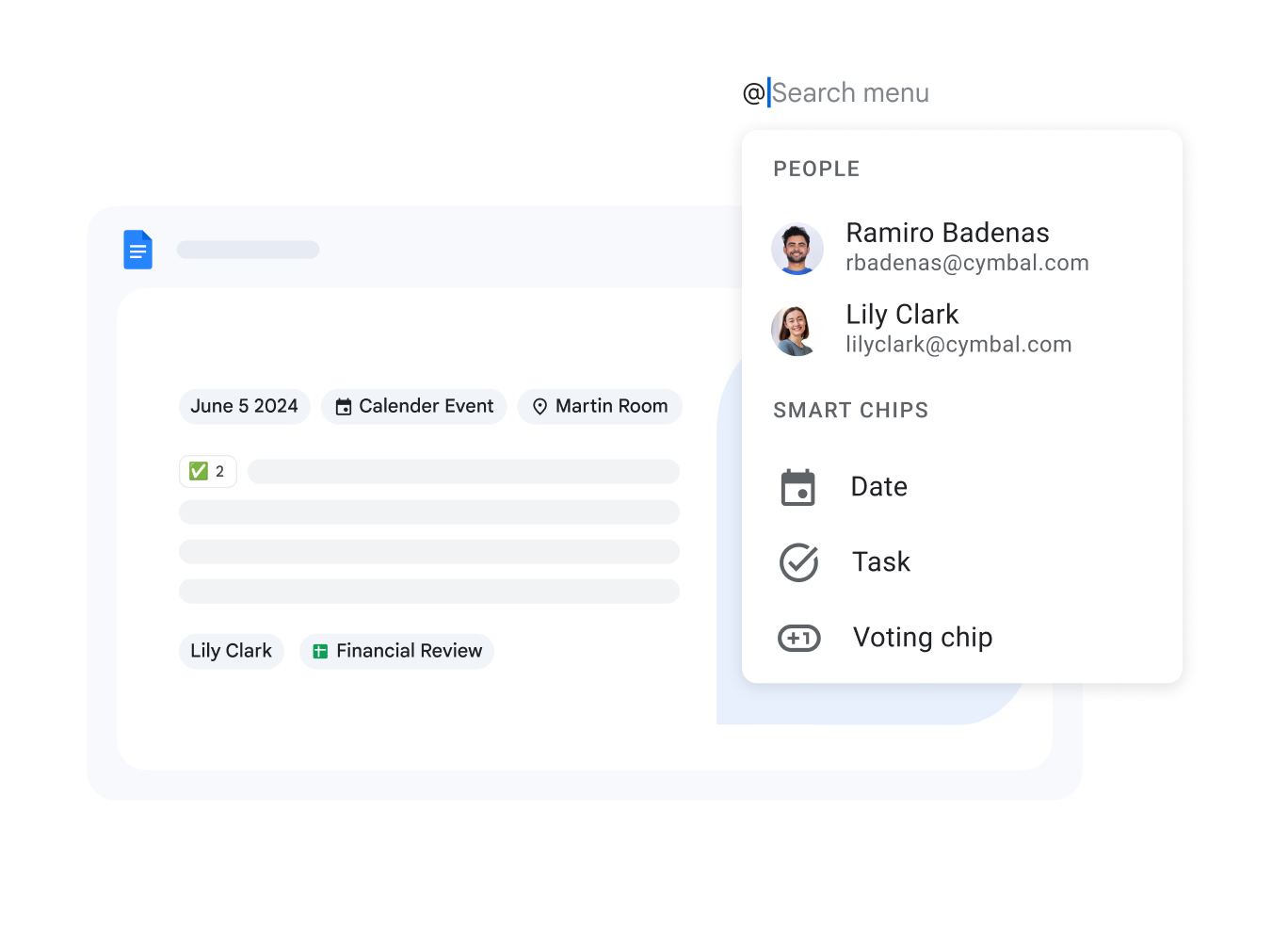
Google Docs is perfectly integrated with Google Drive, ensuring all your documents are securely stored and organized in the cloud. Easily share and search for any file across your organization.
Edit and Convert Multiple File Formats
Open and edit Microsoft Word (.docx, .doc) files directly online. Google Docs allows for seamless conversion and saving without needing additional software on your device.
Boost Productivity with Intelligent Tools
Take advantage of smart editing and styling tools like grammar suggestions, Smart Compose, and Voice Typing to improve the quality and speed of your document creation.
Real-Time Collaboration
Work together with your team synchronously. See changes as they happen and communicate via instant comments and built-in chat.
Cross-Device Accessibility
Create and edit documents from any platform. Stay productive whether you are in the office or working remotely from Georgia.
Automatic Version Control
Changes are saved automatically in Drive. Never lose data and easily revert to any previous version using the comprehensive version history.
