
Google Keep
Capture Every Business Idea Instantly with Google Keep
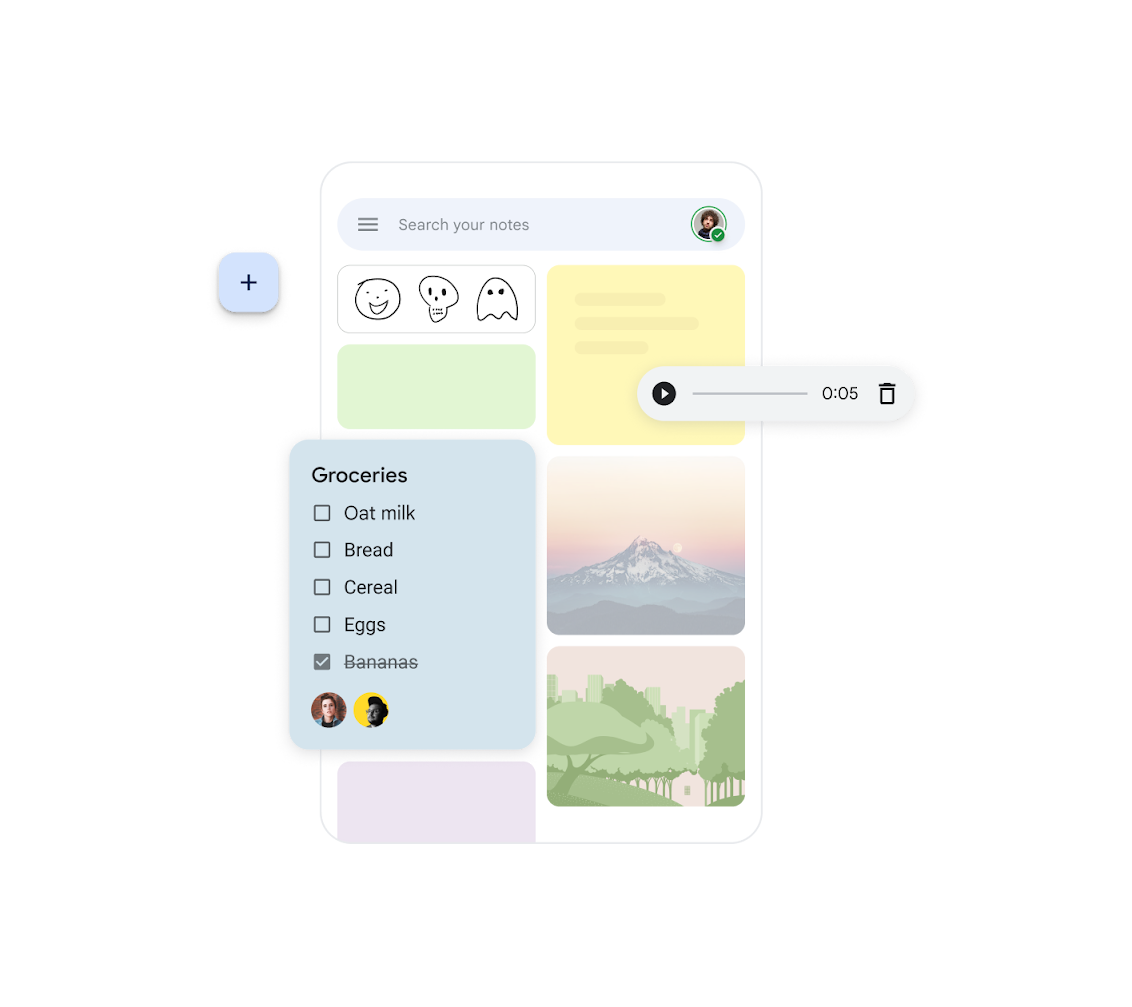
Google Keep makes it simple to record ideas and to-do lists on the fly, making it the perfect tool for busy professionals in Georgia.
Quickly take notes, set urgent reminders, and share them across your Google Workspace team so no important insight is ever lost.
Learn More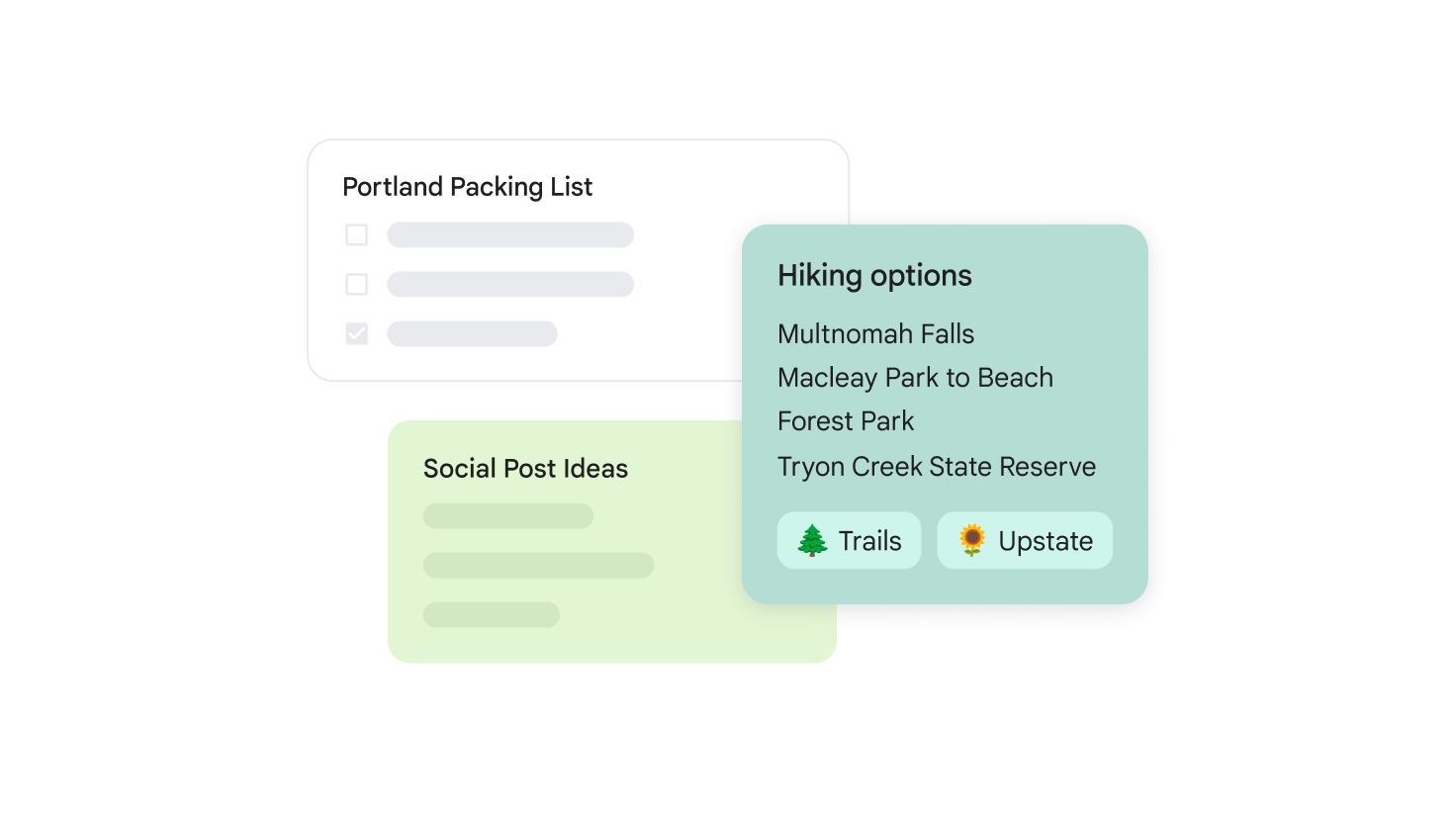
Customizable Notes for Better Daily Organization
Organize your notes in Google Keep using colors, labels, and pins. This visual system helps you find information rapidly and accelerates your overall workflow.
Access Your Notes from Any Device
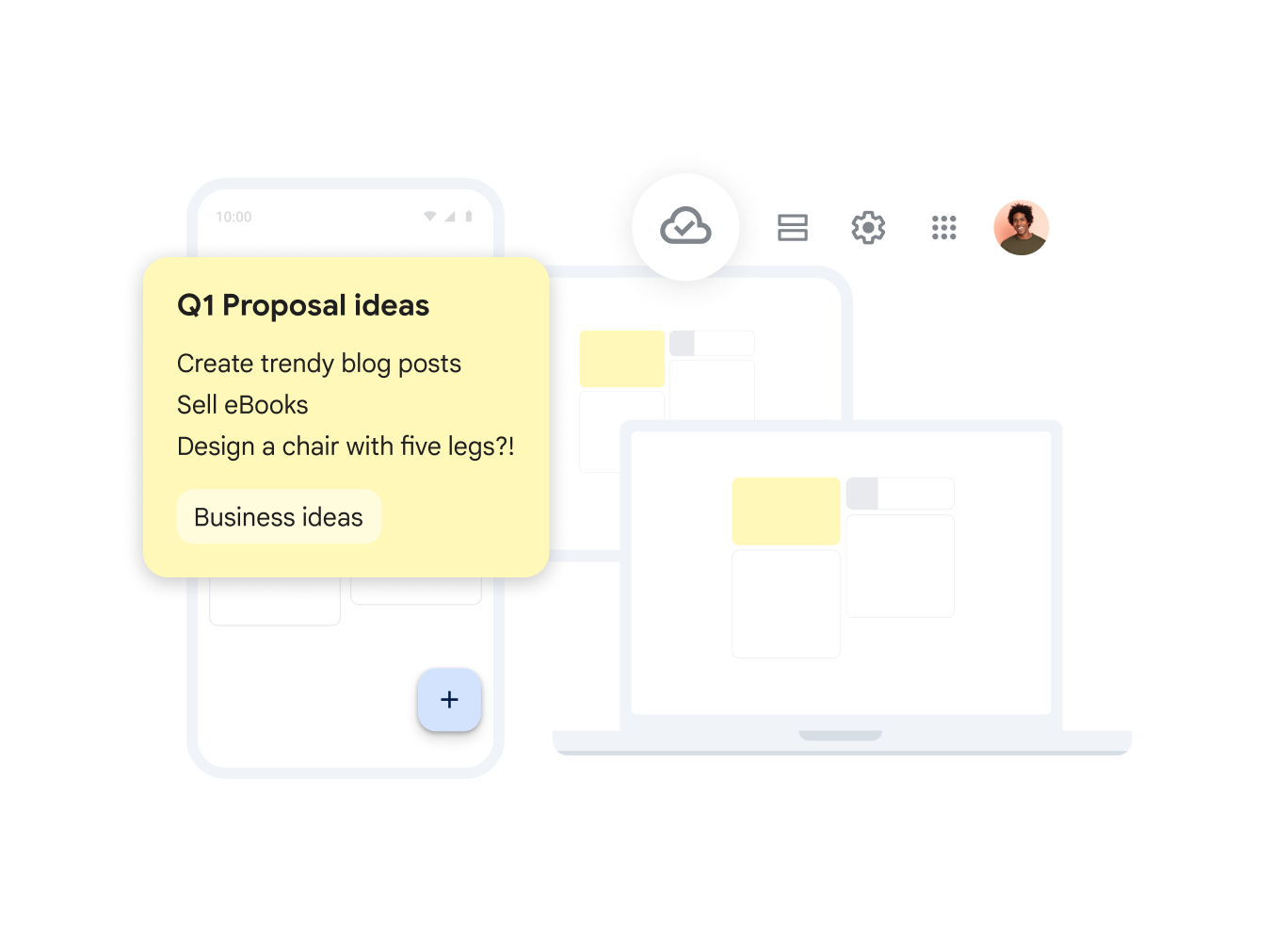
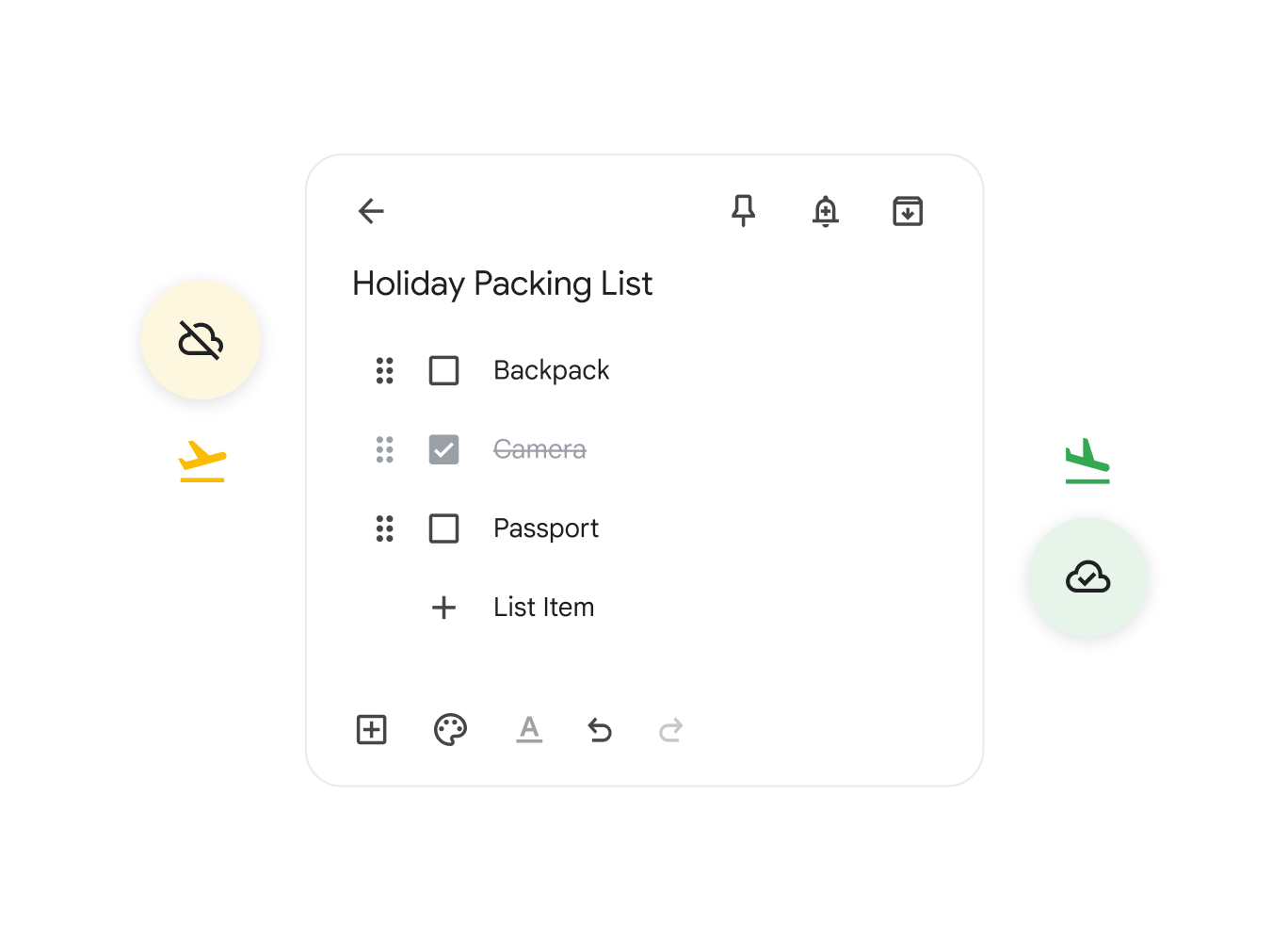
Manage your business notes from any device with or without an internet connection. Google Workspace ensures all your data is synced across your smartphone, tablet, and desktop.
Simplified Task Management with Checklists
Improve your task management by creating interactive checklists. Google Keep helps you stay on top of your daily routine and track project progress effectively.
Integrated and Location-Based Reminders
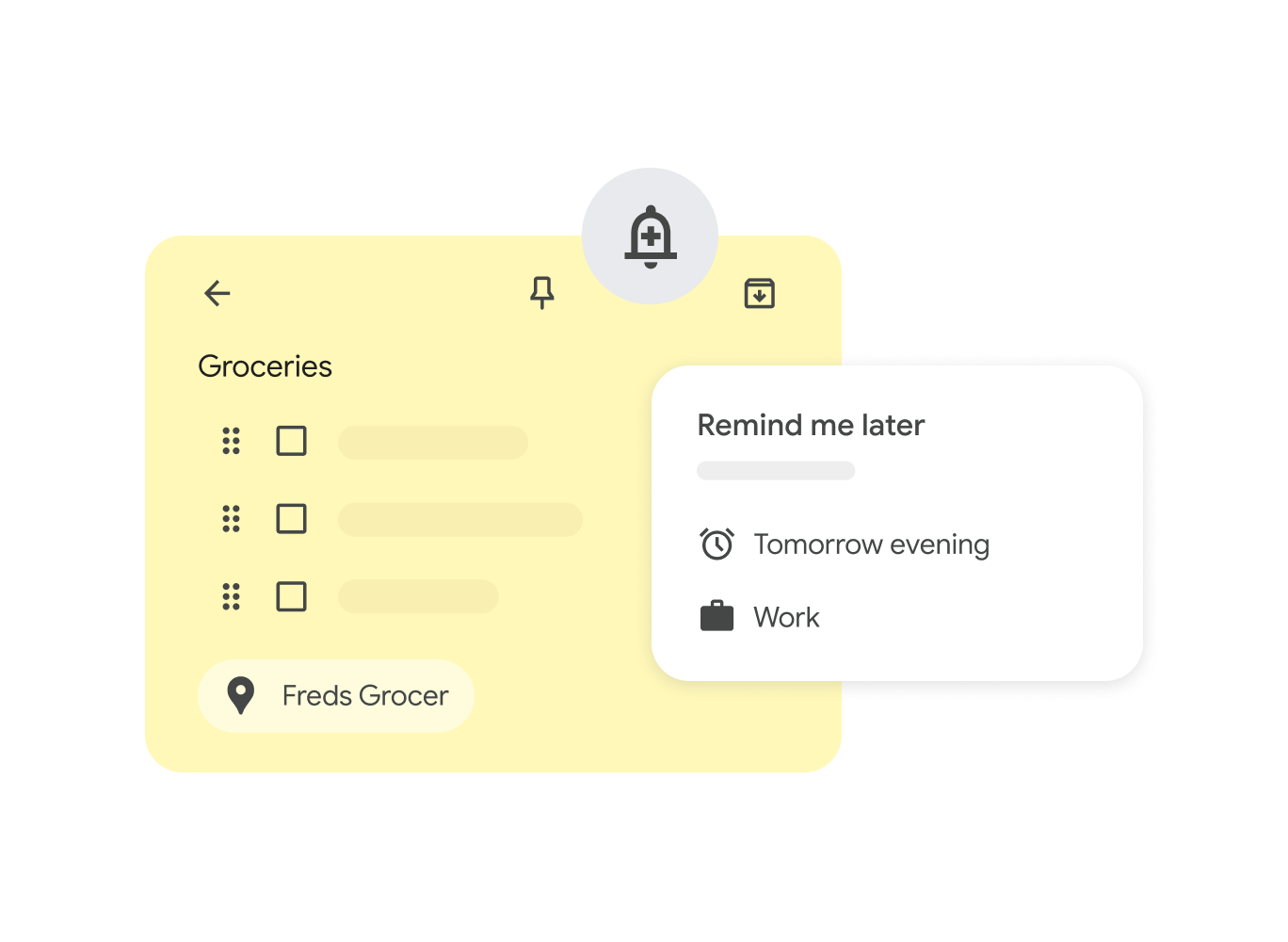
Boost productivity by setting time or location-based reminders. Google Keep will alert you exactly when or where you need to take action on a specific task.
Ease of Use and Capture
Create notes using text, voice, or images in seconds. Keep automatically transcribes audio to text, which is incredibly convenient while on the move in Georgia.
Seamless Cross-Device Sync
Instant synchronization across all your platforms means your best ideas are always in your pocket and ready for reference.
Google Workspace Integration
Easily transfer your Keep notes directly into Google Docs from the side panel to start building professional documents from your initial thoughts.
