
Google Sheets
Collaborative Data Analysis with Google Sheets
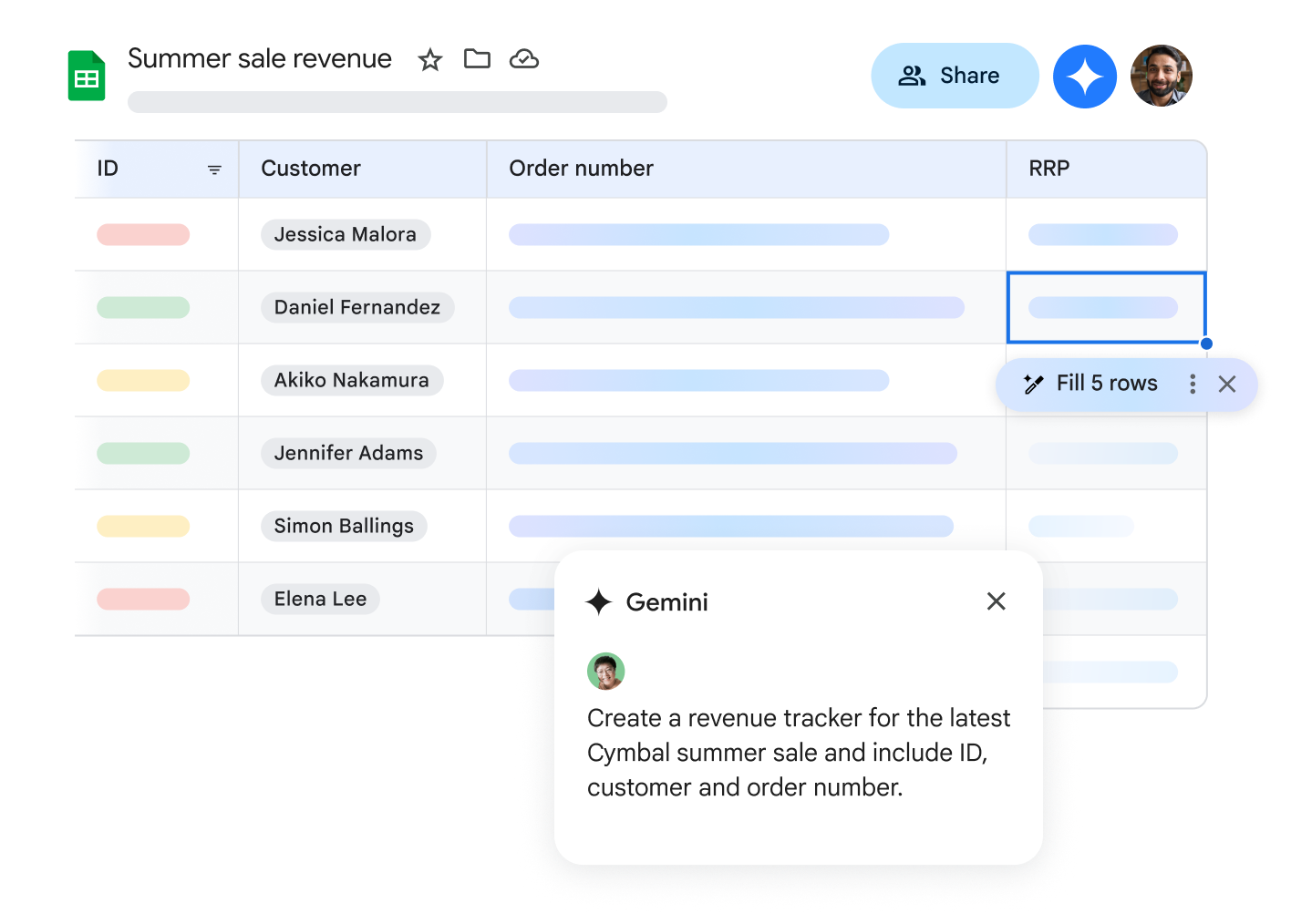
Google Sheets enables multiple users to work on the same spreadsheet simultaneously, making it the perfect choice for financial and analytical teams in Georgia.
Team members can view, edit, and analyze data together in real-time, significantly boosting productivity within the Google Workspace ecosystem.
Learn More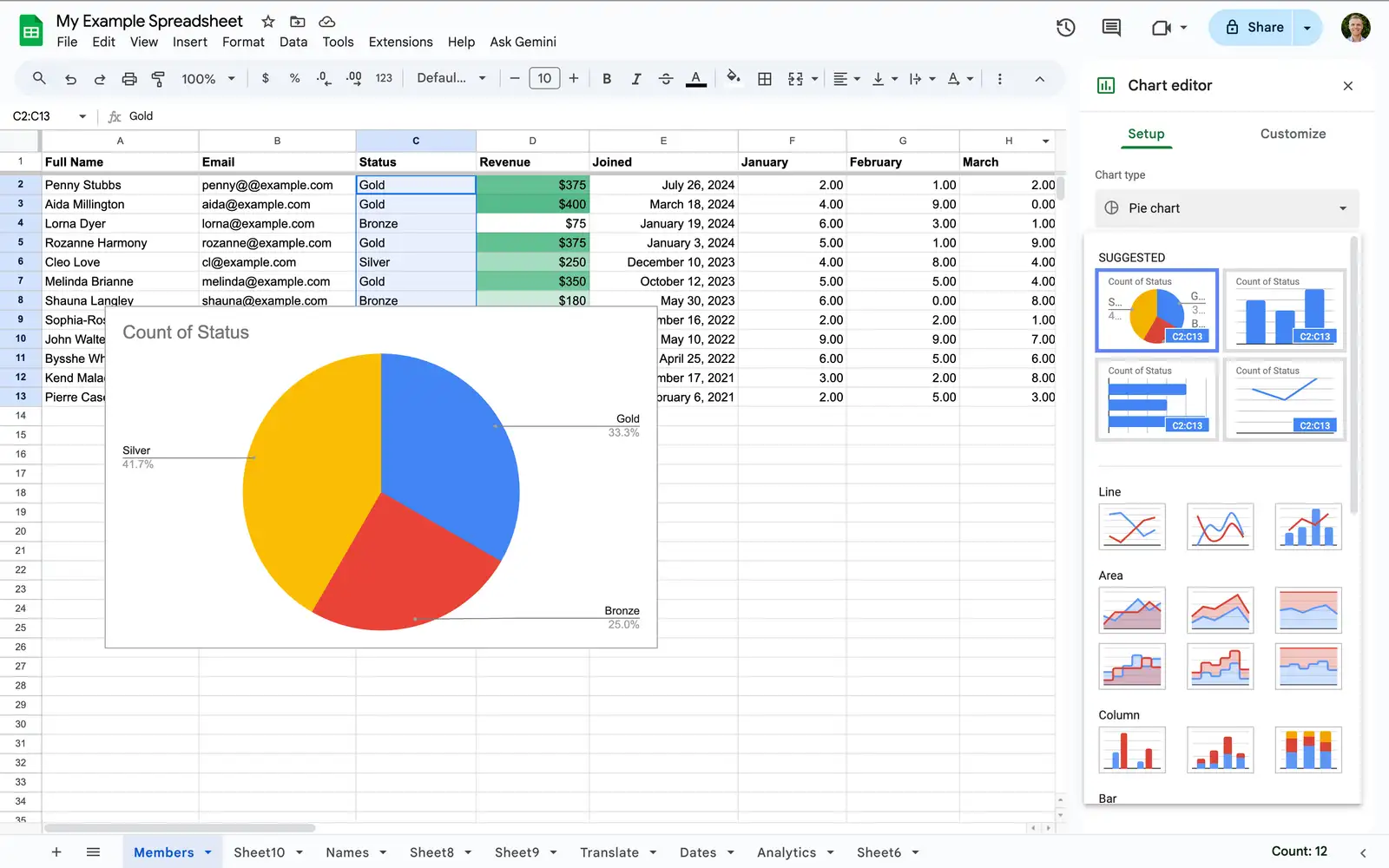
Access and Analyze Data from Anywhere
With Google Sheets, you have access to your spreadsheets from any device. Your work is always available with an internet connection, and offline mode ensures you stay productive even without it.
Seamless Integration with Google Workspace
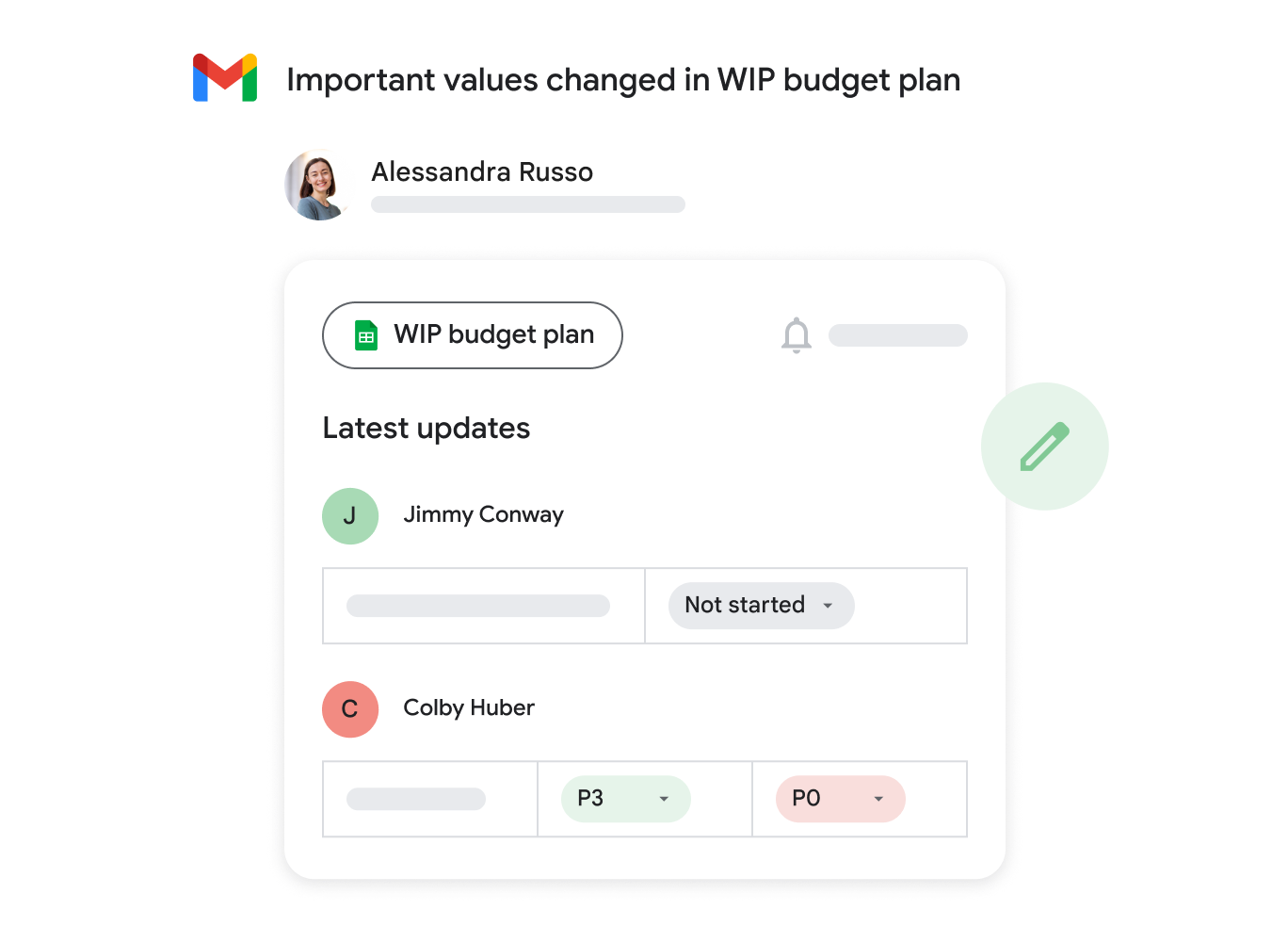
Google Sheets works effortlessly with other Google services. Save files to Drive, use Forms to collect data automatically into Sheets, or embed dynamic charts directly into Docs and Slides.
Enterprise-Grade Data Security
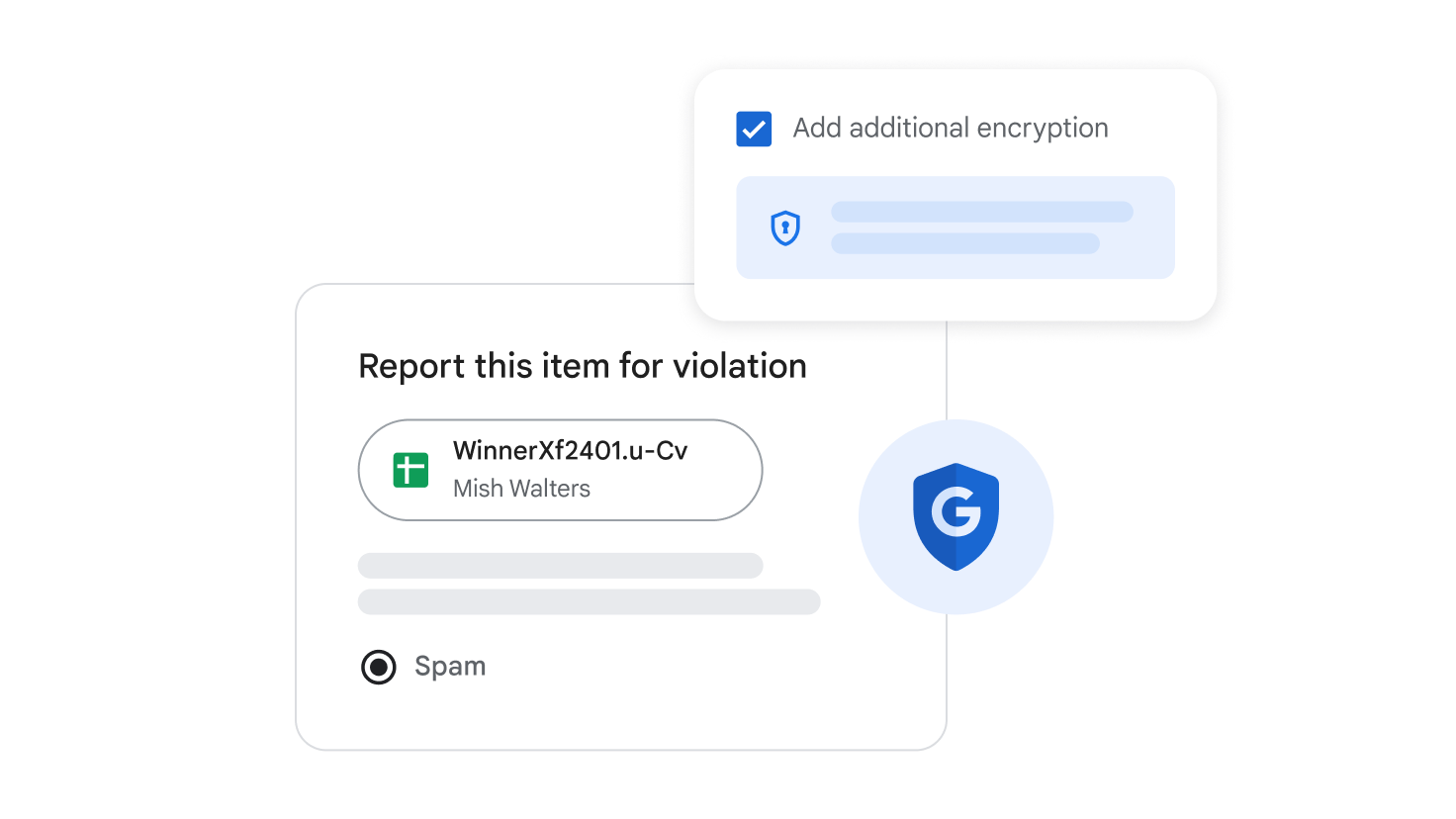
Protect your business data with Google's industry-leading security standards. Control access with granular permissions for cells, columns, or entire sheets to safeguard sensitive information.
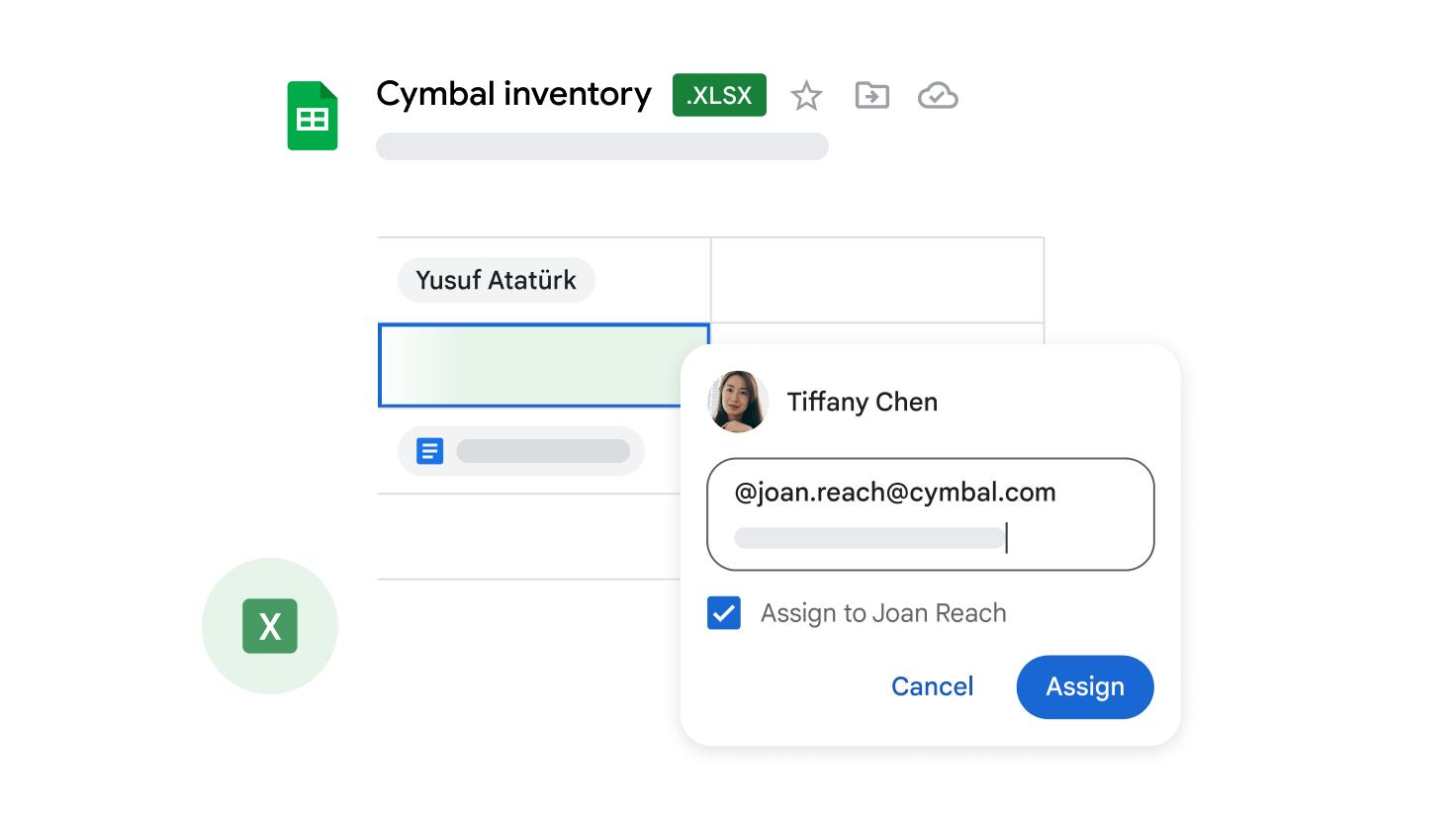
Full Compatibility with Microsoft Excel
Open, edit, and save Microsoft Excel files (.xlsx, .xls) directly in Google Sheets without compromising file integrity. Also, easily exchange CSV data with other business systems.
Real-Time Collaboration
Work together on online spreadsheets. See cell-level changes instantly, leave targeted comments, and respond to team edits in real-time.
Smart Features and Formulas
Utilize hundreds of built-in formulas, Pivot tables, and Smart Fill—an AI-powered feature that recognizes data patterns for faster entry.
Connected to All Devices
Open, edit, and analyze your data directly from your smartphone, tablet, or desktop computer for maximum flexibility.
