
Microsoft Outlook
Email and Calendar Management
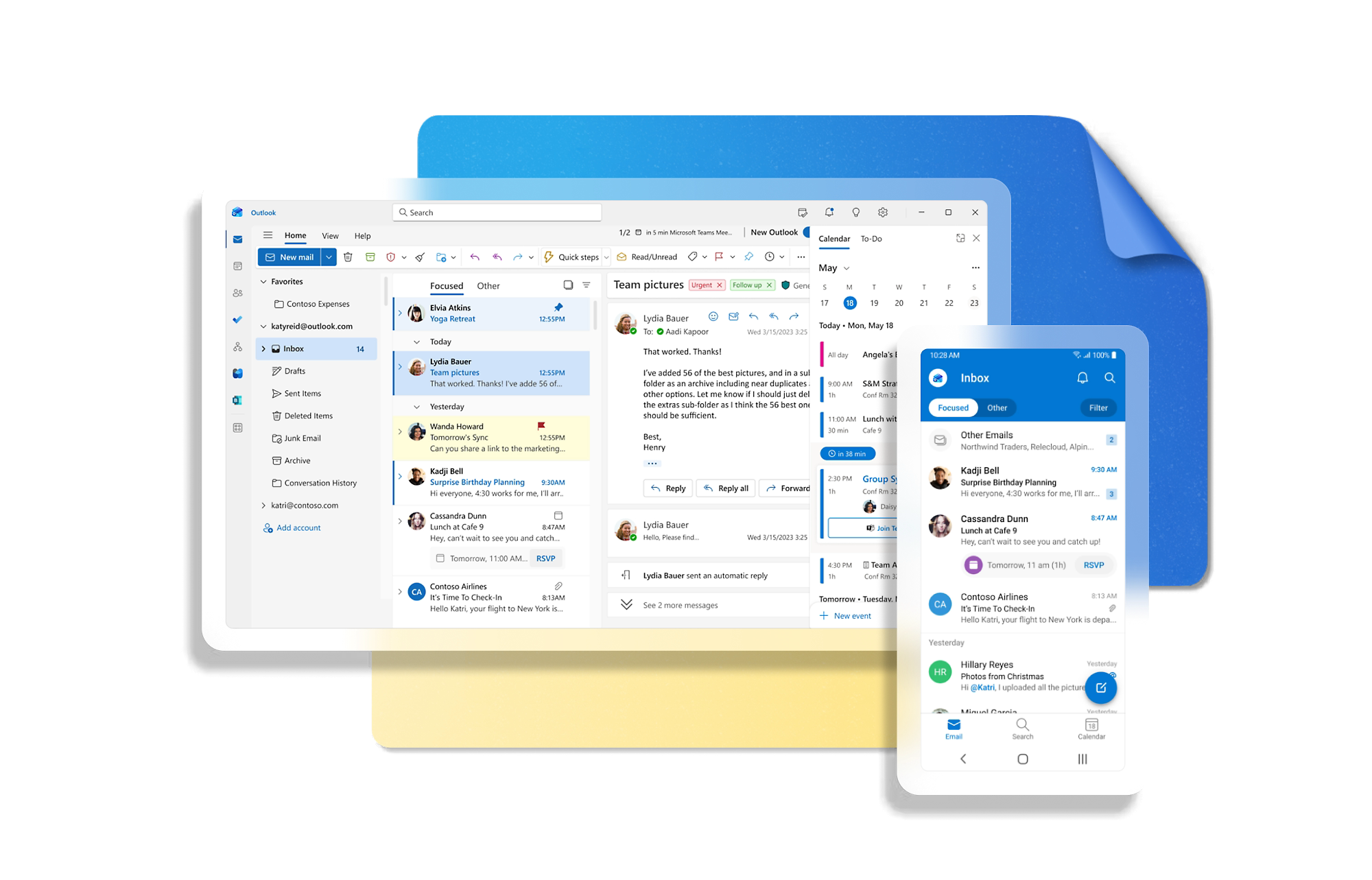
Microsoft Outlook provides efficient email management, allowing you to organize and prioritize your inbox effectively.
Stay organized with Focused Inbox, multi-layered calendar tools, and smart filters. Never miss an important communication again.
Learn More
Full Calendar Integration
Manage your meetings and events in one unified space. The Outlook calendar synchronizes across all your devices, so you are always on top of your schedule.
Microsoft 365 Synergy
Outlook works seamlessly with Word, Excel, PowerPoint, and Teams. Share files and collaborate with your team without ever leaving the application.

Data Protection and Security
Protect your business information with Microsoft’s industry-leading security standards. Outlook offers encryption and robust protection against phishing and spam.
Work from Anywhere
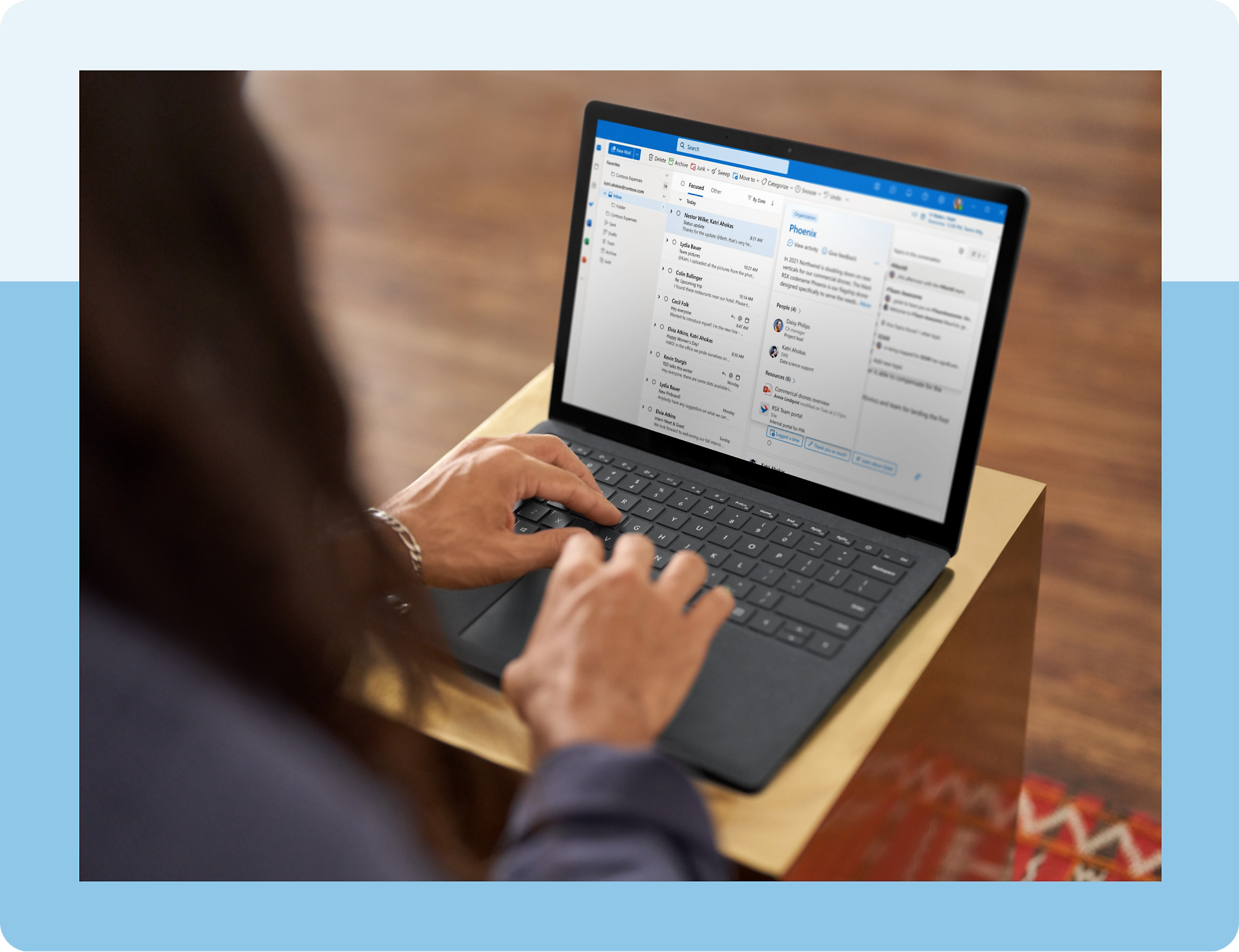
Stay connected whether you are in the office, at home, or on the move. With the Outlook mobile app, your email and calendar are always with you.
Efficient Management
Organize emails by priority and use smart filters to focus on what matters most to your business.
Multi-Device Sync
Access your mailbox and calendar from your computer, tablet, and smartphone anytime, anywhere.
Microsoft 365 Integrated
Experience full compatibility with other Office apps to boost overall productivity and team collaboration.
