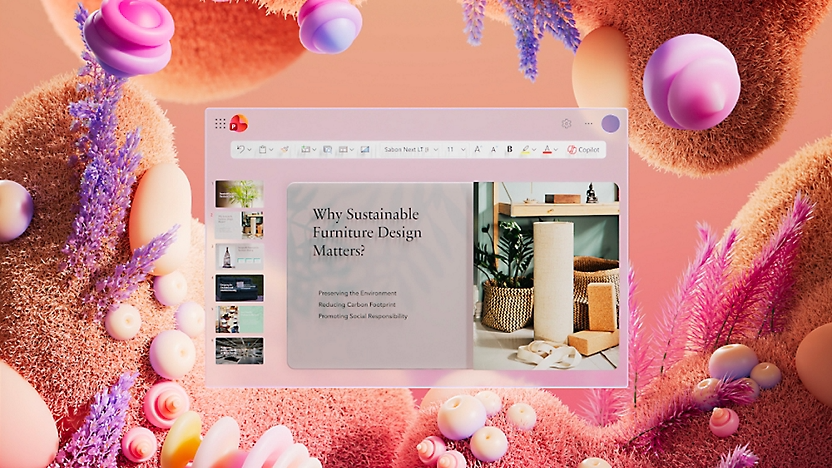

Microsoft PowerPoint
Create Impressive Presentations
Microsoft PowerPoint is an essential tool for creating visually engaging and professional presentations.
Utilize a diverse range of design tools, templates, and animations to deliver your message effectively to any audience.
Learn More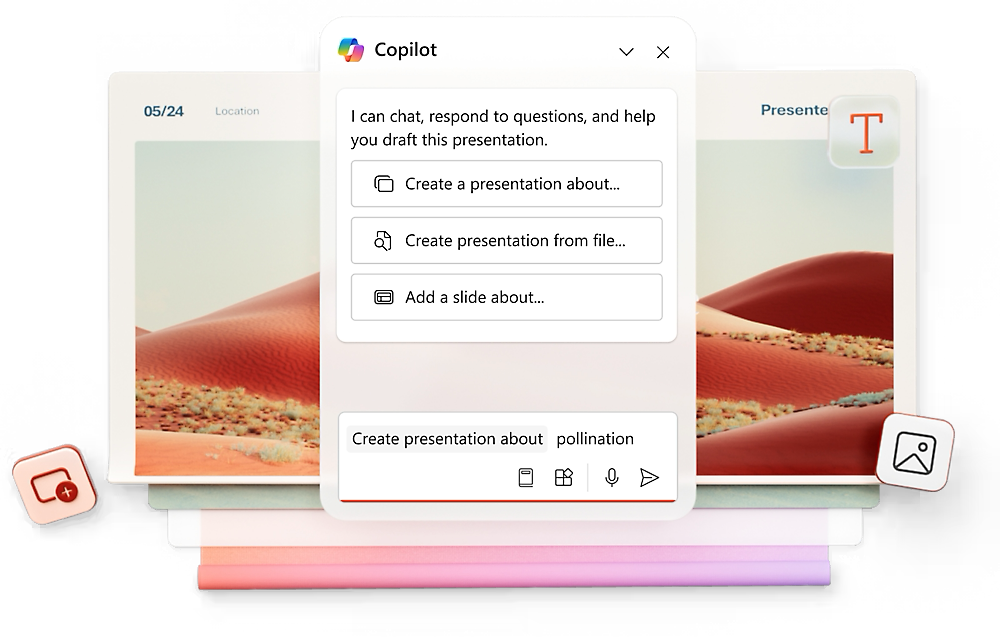
Collaboration and Sharing
Work on presentations with your team in real-time. Share slides with colleagues, receive instant feedback, and make edits on the fly.
Access from Anywhere
Be ready for your presentation at any moment. With the PowerPoint mobile app, you can open and show your slides directly from your phone or tablet.
Presenter Mode
Deliver your presentation with confidence using Presenter View. See your private notes and the upcoming slide while your audience sees only the main presentation.
Integration and Compatibility
PowerPoint integrates seamlessly with other Microsoft 365 apps. Insert tables from Excel or diagrams from Word easily into your slides.
Dynamic Design
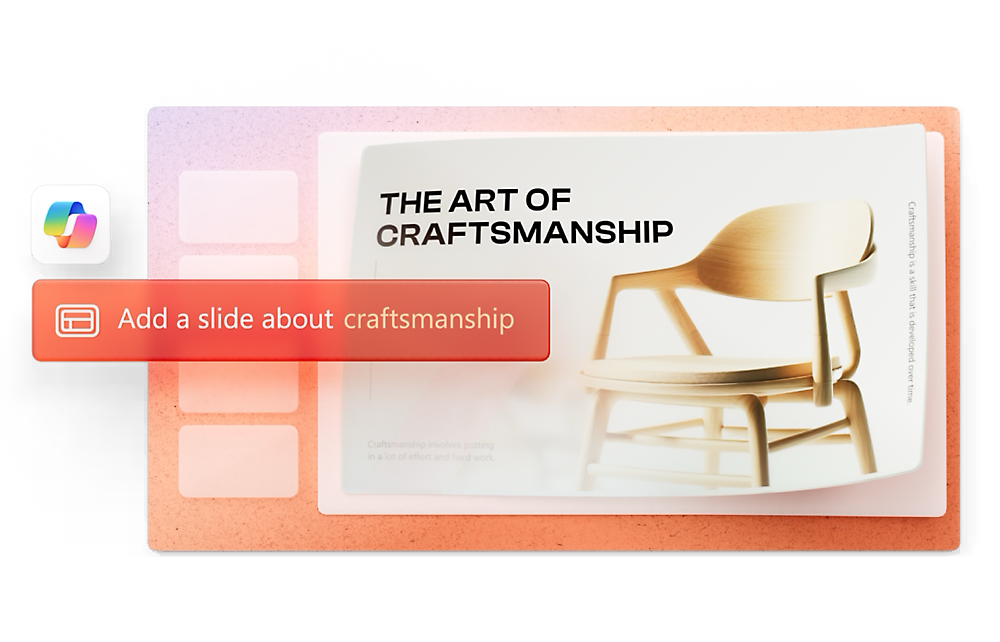
Use professionally designed templates and the AI-powered Designer feature for high-impact visuals.
Animations
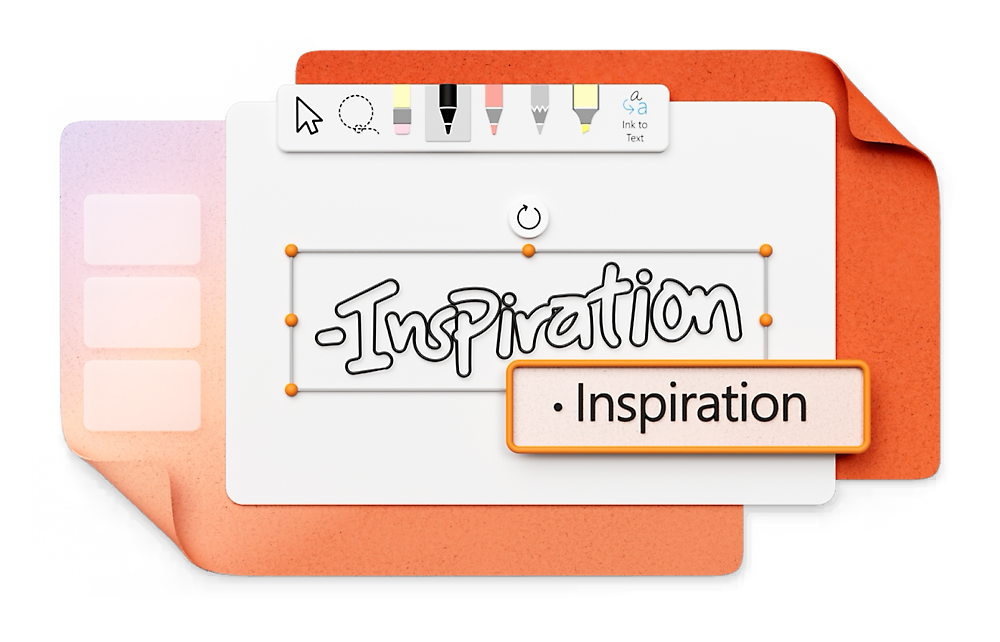
Bring your slides to life with a wide variety of sophisticated animations and cinematic transitions.
Audio and Video
Embed multimedia files directly into your presentations for a more interactive and engaging experience.
