Google Workspace Studio: Automation with AI Agents
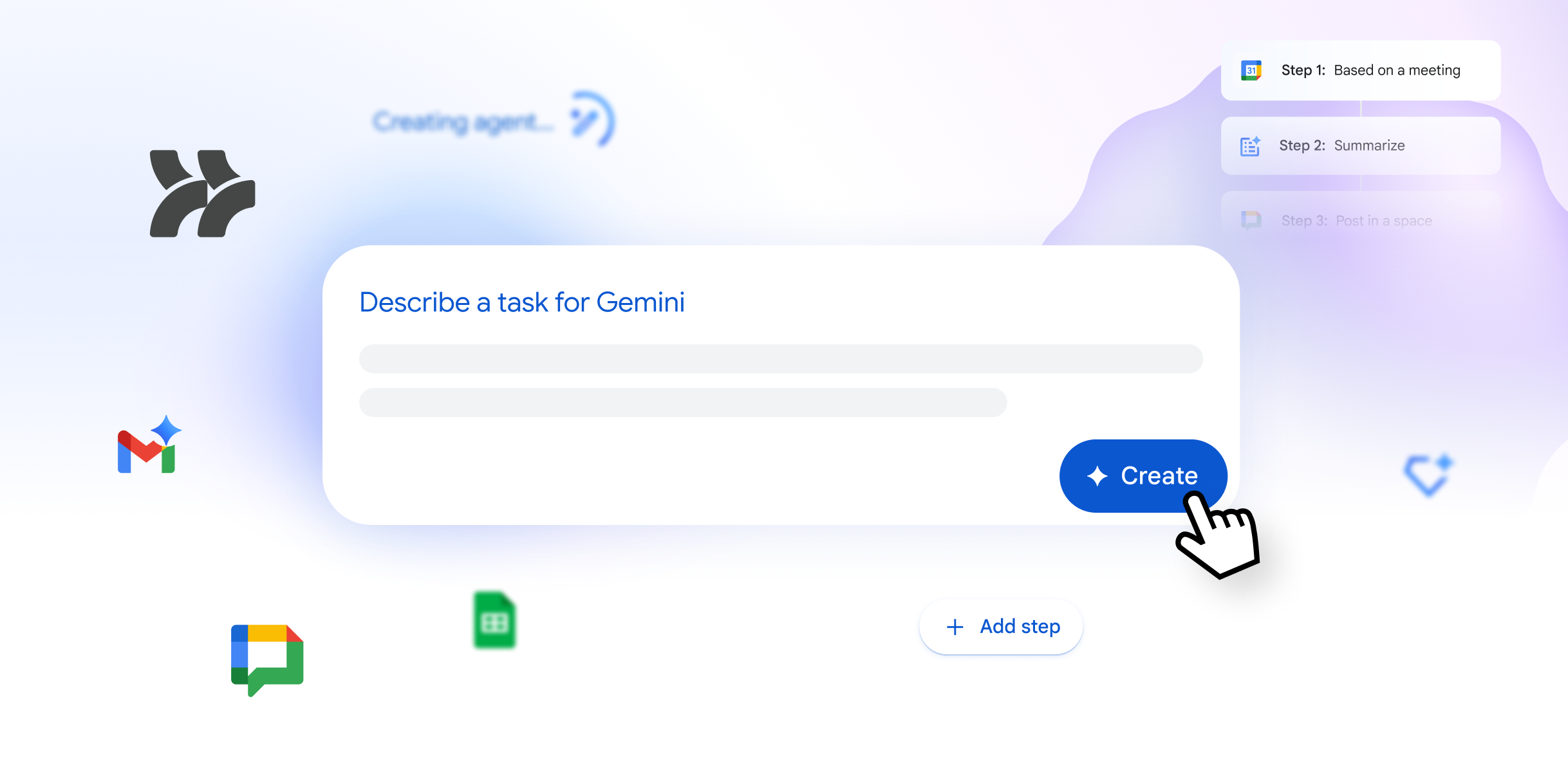
Today, we are announcing the general availability of Google Workspace Studio—a place where you can create, manage, and share AI agents in Google Workspace. Leveraging the logical reasoning and multimodal understanding capabilities of Gemini 3, we have built AI automation that is easy to use, deeply integrated into Google Workspace, and allows any employee to create their own agent. With Workspace Studio, you can create agents in minutes to simplify daily work, from simple tasks to complex workflows—without any coding or special knowledge.
Why We Are Bringing Agent-Driven Automation to Workspace
We’ve all lost countless hours to daily routine: sorted through emails, managed calendar logistics, and tracked follow-up tasks. Old automation tools tried to help, but they were too schematic and technical for the average user. That’s why we’re bringing custom agents directly into Workspace through Studio—so you can delegate these repetitive tasks to agents that can reason, understand context, and do the work that used to slow you down.
Studio allows everyone, not just specialists, to use the full potential of agentic AI by removing the need for coding and allowing anyone to create agents that automate their unique business processes in minutes.
Simplify Complex Tasks with Intelligent Agents in Google Workspace
While traditional automation logic relies on strict rules and coding knowledge, Workspace agents are designed with more powerful and flexible capabilities. Thanks to Gemini’s advanced capabilities, these agents can effectively reason about problems, adapt to new information, and handle the most complex end-to-end business processes.
Empower Everyone to Create Agents in Workspace
Workspace users in our Gemini Alpha program are already using Workspace Studio—in fact, these agents have helped users complete over 20 million tasks in the last 30 days, from automating status reports and customizing reminders to business-critical processes.
What these agents have in common—whether it’s two steps or 20—is that they are created by the people who know the problems best. You don’t need to know code to create them. Start with a template or just describe what you want to automate in natural language, and Gemini 3 will create it. For example, you can tell it: “If an email contains a question for me, mark it as ‘To respond’ and message me in Chat.”
Studio instantly creates this agent, using Gemini 3 to decide which incoming mail contains questions. it can go even deeper—extracting details such as action items and invoice numbers from emails and their attached files. And because collaboration is at the heart of Workspace, you can share your agents with the team just as easily as you share files in Google Drive.
Manage Work Across All Your Apps
Because agents are deeply integrated with Workspace apps like Gmail, Drive, and Chat, they understand the full context of your work. This allows them to provide assistance that aligns with your company’s policies and processes, and the generated content will be in your tone and style. You can see your agent’s activity directly alongside your favorite Workspace apps in the side panels.
Agents created in Workspace Studio are also extensible. Pre-built steps and actions make it easy to connect agents to essential apps and platforms like Asana, Jira, Mailchimp, and Salesforce.
Start Using Google Workspace Studio
Workspace Studio will become available to business users over the coming weeks. Once you have access, visit Workspace Studio to get started. Create your first agent by choosing from templates or describe what you want to automate in the prompt bar.

Geosoft Blogger
Cloud First Technology.
Related post:
- Gemini vs ChatGPT vs Claude: Which AI Model is Best in 2026?
- Google Workspace and Gemini: 128 Ways Our Customers Transform Work
- MX, DMARC, SPF, and DKIM: The Complete Guide to Email Security
- Google's AI Revolution: From Gemini to Vertex AI - How to Adapt It for Your Business?
- Google Antigravity: A New Word in Code Writing and DevOps
