
Google Calendar
Simplify Your Scheduling with Google Calendar
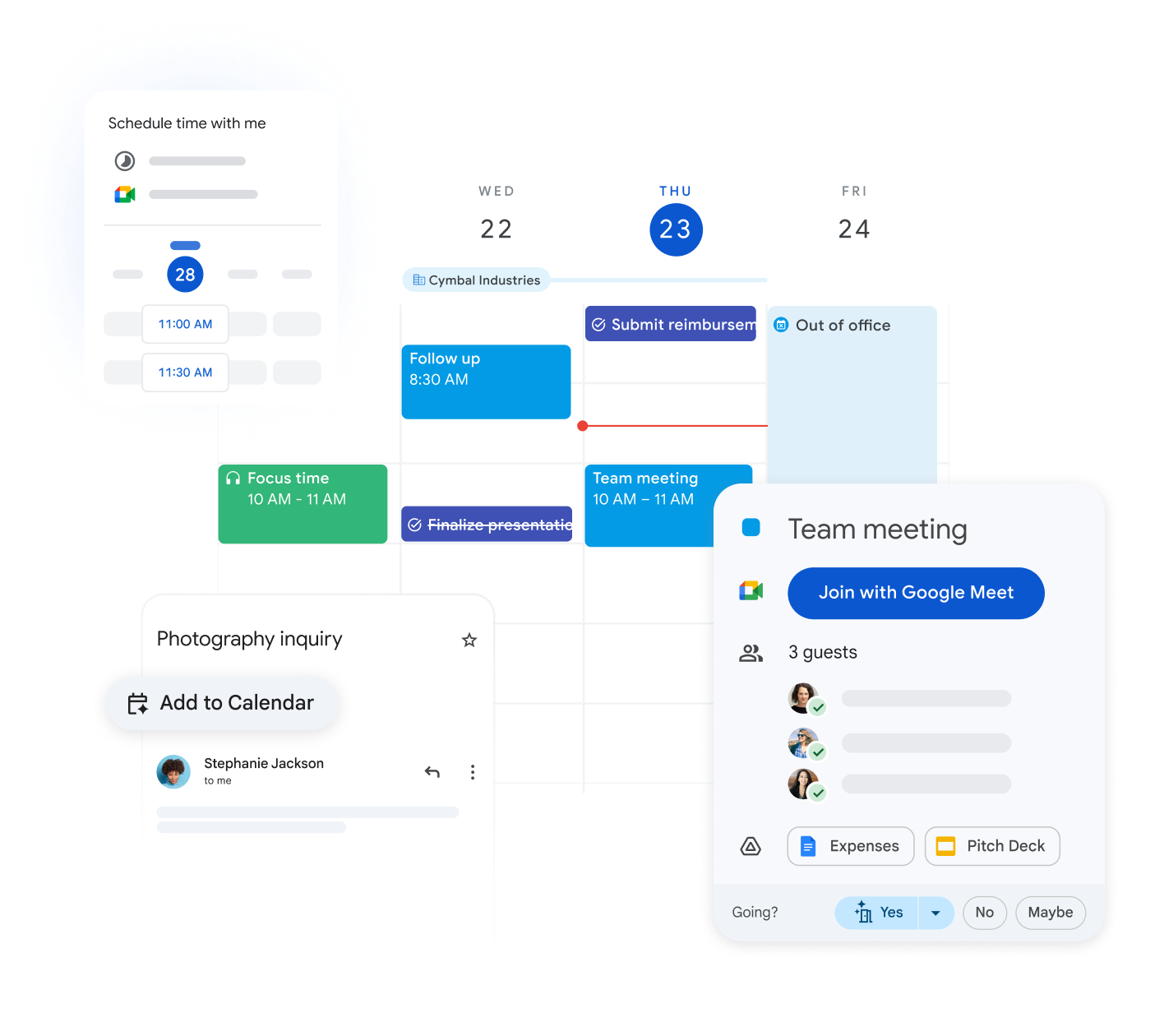
Google Calendar helps you easily manage your schedule, set reminders, and never miss important events.
As part of Google Workspace, it is fully integrated with Gmail, Meet, and Drive applications, making your daily workflow even more productive.
Learn More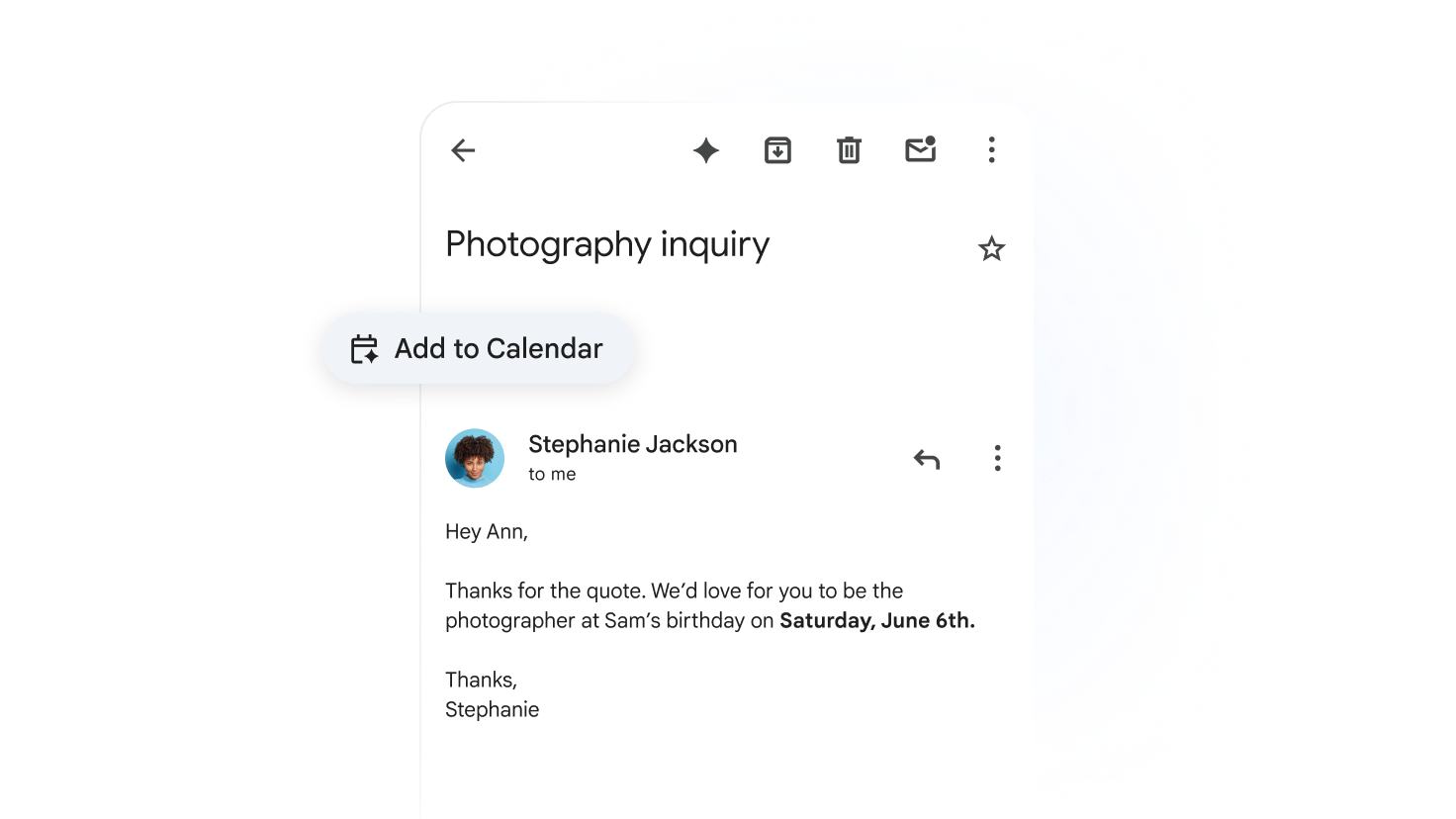
Easy Collaboration with Shared Calendars
Improve teamwork by sharing calendars. Your colleagues can see your availability and schedule meetings without conflicts.
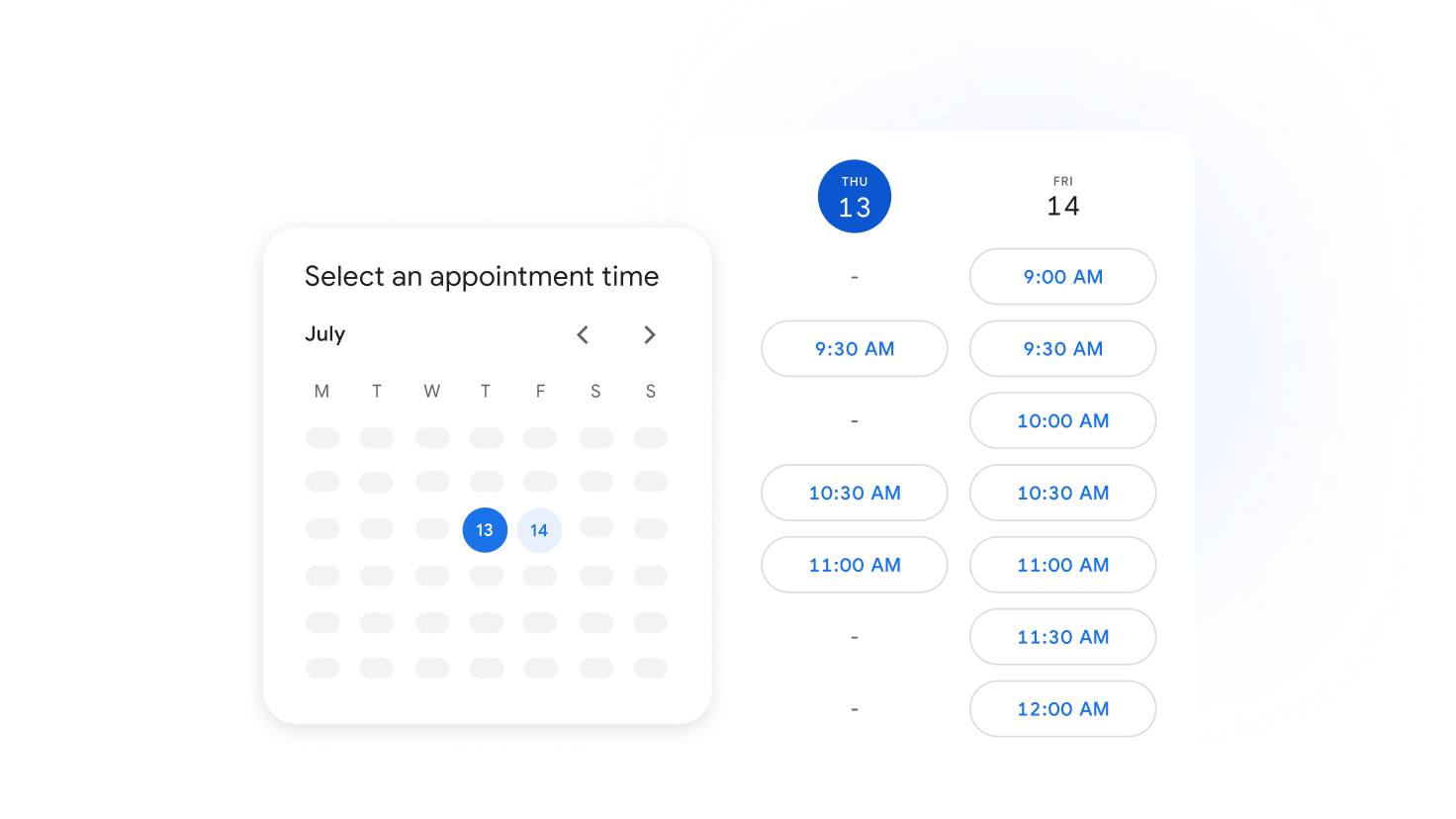
Access Your Calendar Anytime, Anywhere
Join business meetings from any device. Google Calendar ensures you stay informed whether you are in the office or on the go.
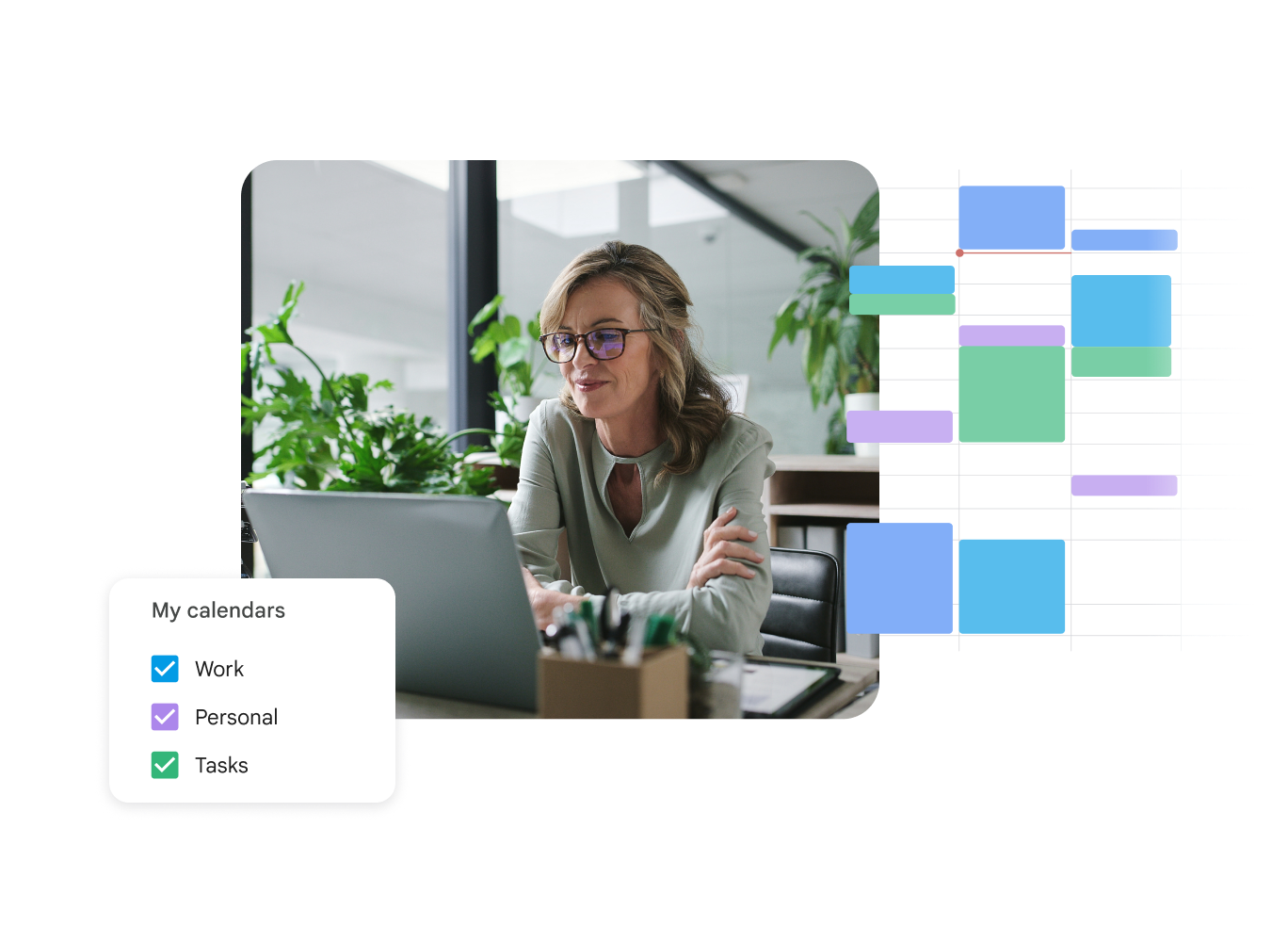
Maximum Productivity with Seamless Integration
Integrated with Gmail and Google Meet, Google Calendar simplifies meeting planning. Create a Meet link with one click and send it to your guests instantly.
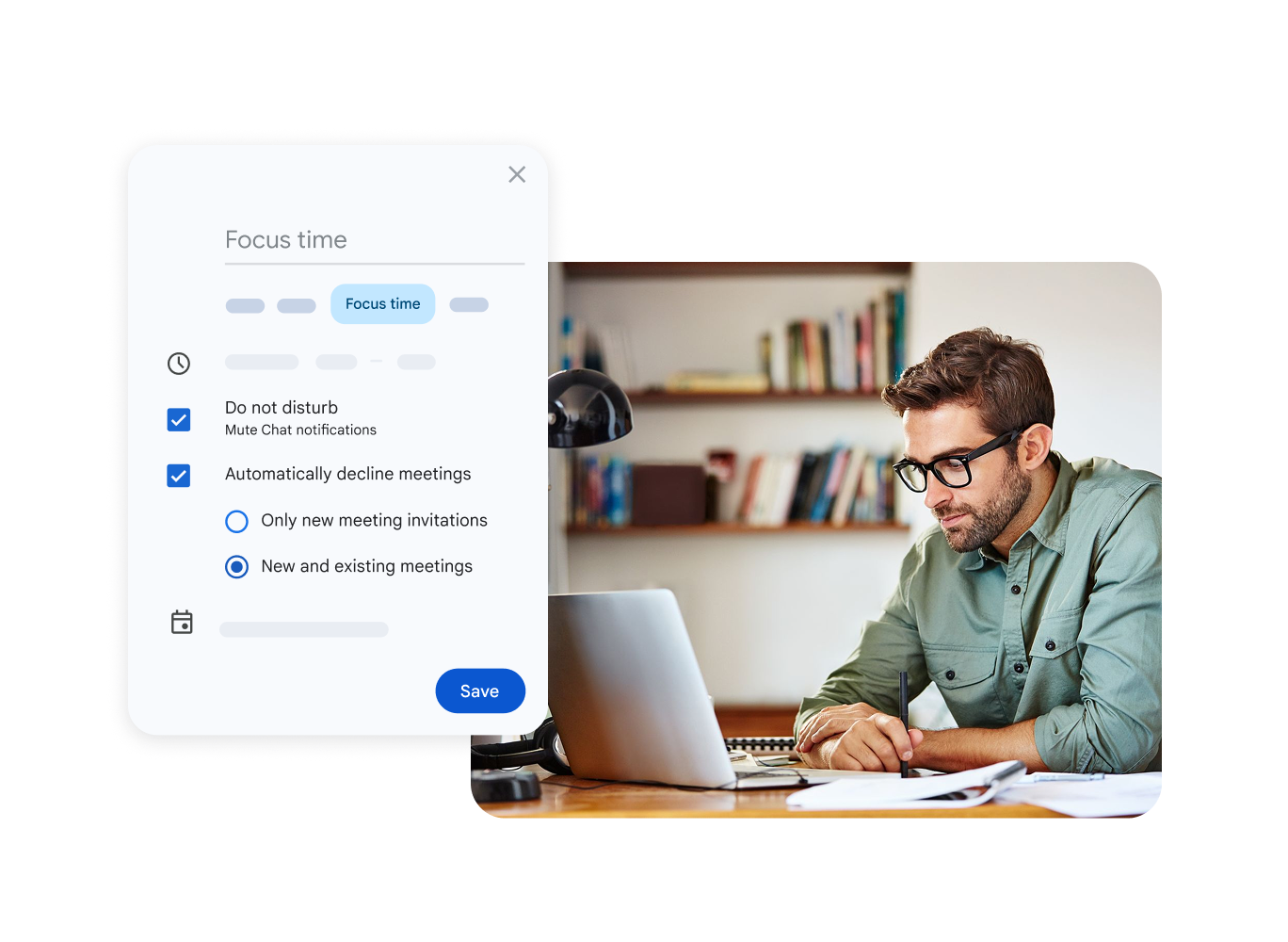
Smart Reminders - Never Miss a Thing
Set timely reminders to ensure you attend every meeting on time. Customize notifications to fit your needs and simplify your day.
Enhanced Coordination
Shared calendars make time management between team members easier, allowing for simple meeting scheduling.
Direct Video Calls
Create a Google Meet video conference link directly from Google Calendar with one click.
Universal Access
Access your calendar from any smartphone, tablet, or computer and manage meetings in real-time.
