
Google Chat
Instant Communication and Teamwork with Google Chat
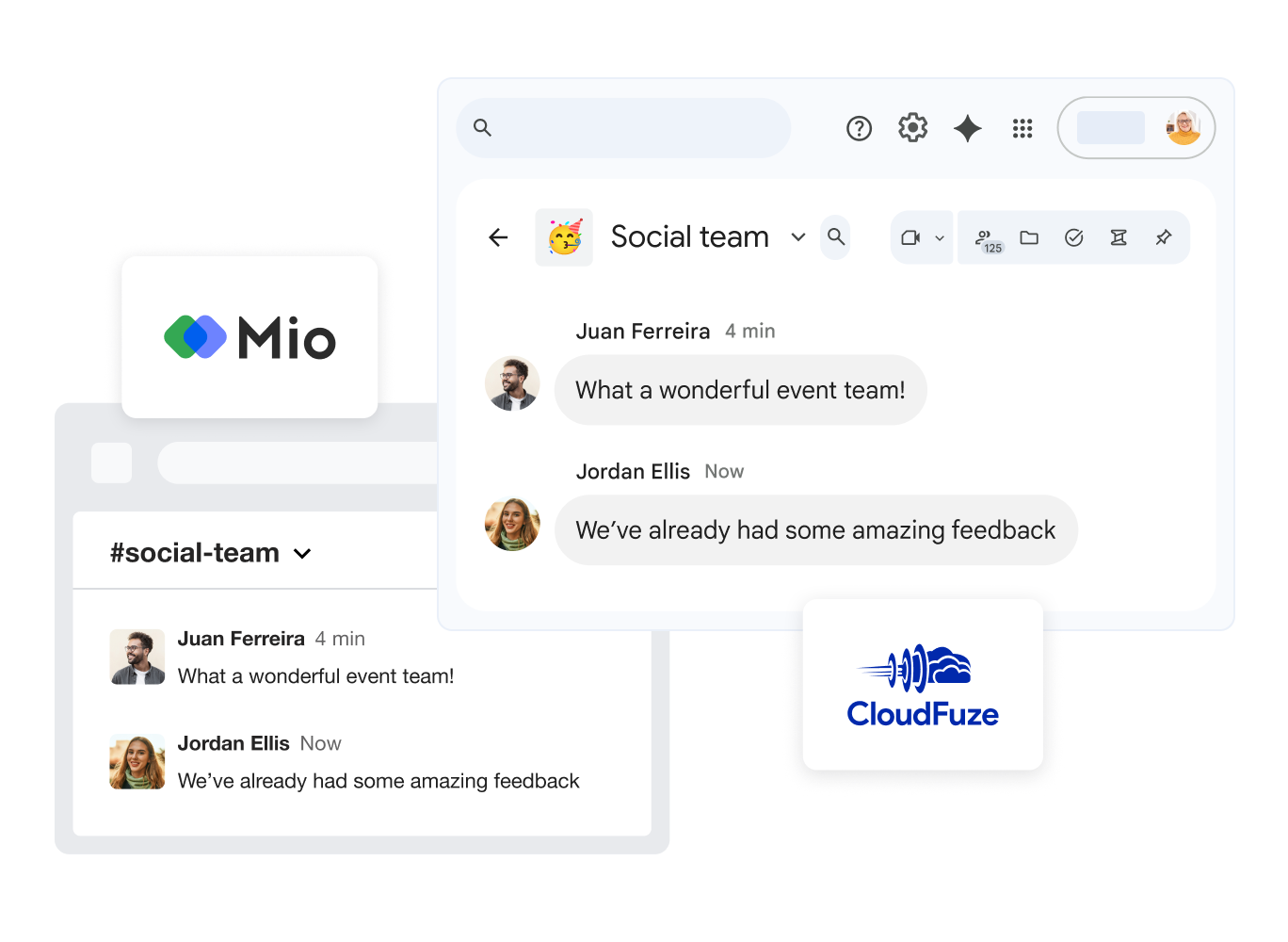
Google Chat simplifies team collaboration. Send direct messages, create group chats, and share files in one secure workspace.
As an integral part of Google Workspace, Chat is fully integrated with Gmail, Drive, and Meet applications, boosting your team’s productivity.
Learn More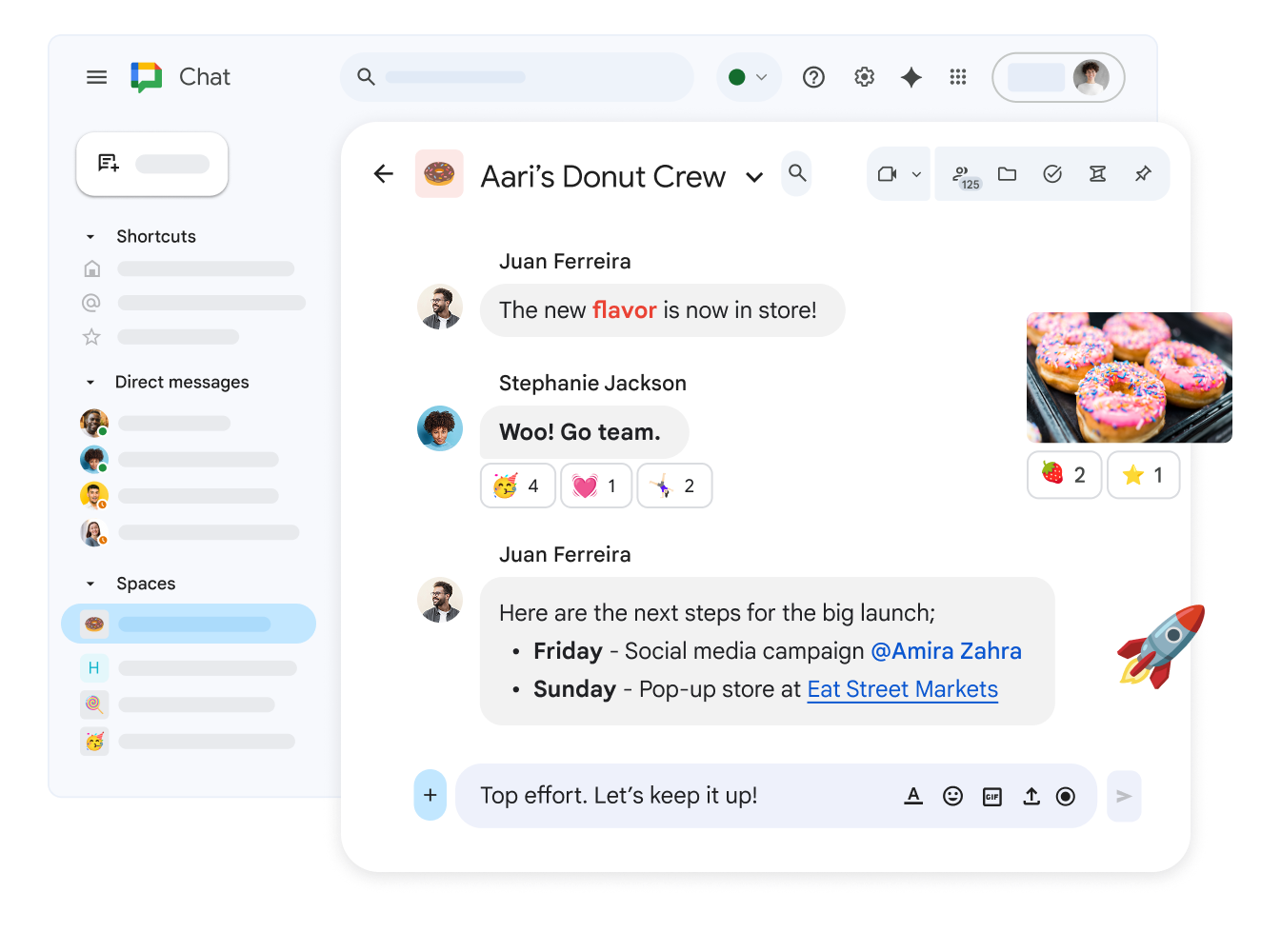
Spaces - Dedicated Workspaces for Projects
Create dedicated Spaces for individual projects or teams. Here you can share files, assign tasks, and track project progress in real-time.
Work from Any Device
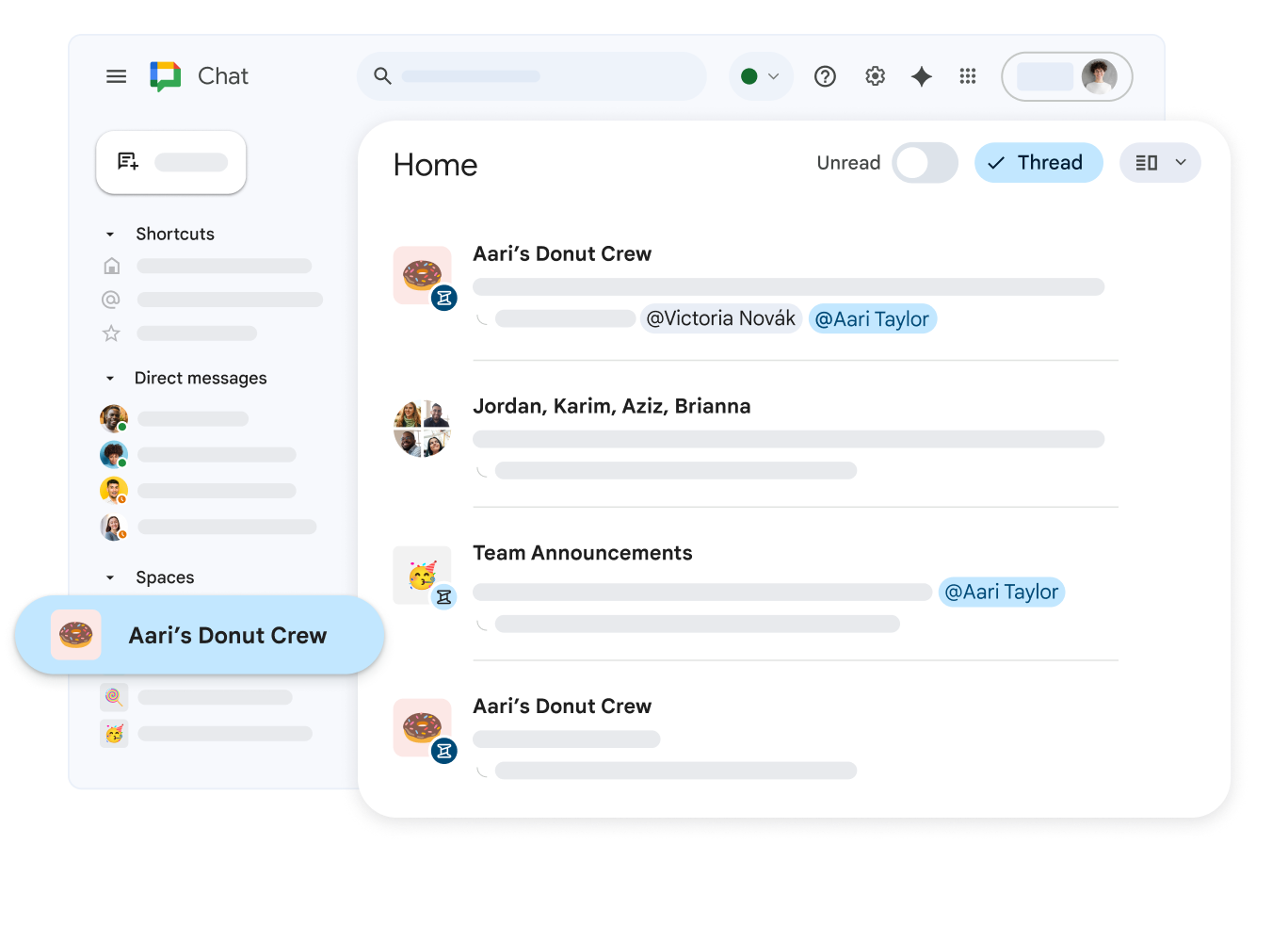
Stay connected via computer, tablet, or smartphone. With Google Chat, you can respond to messages anytime, from wherever you are.
Collaborate on Files Seamlessly
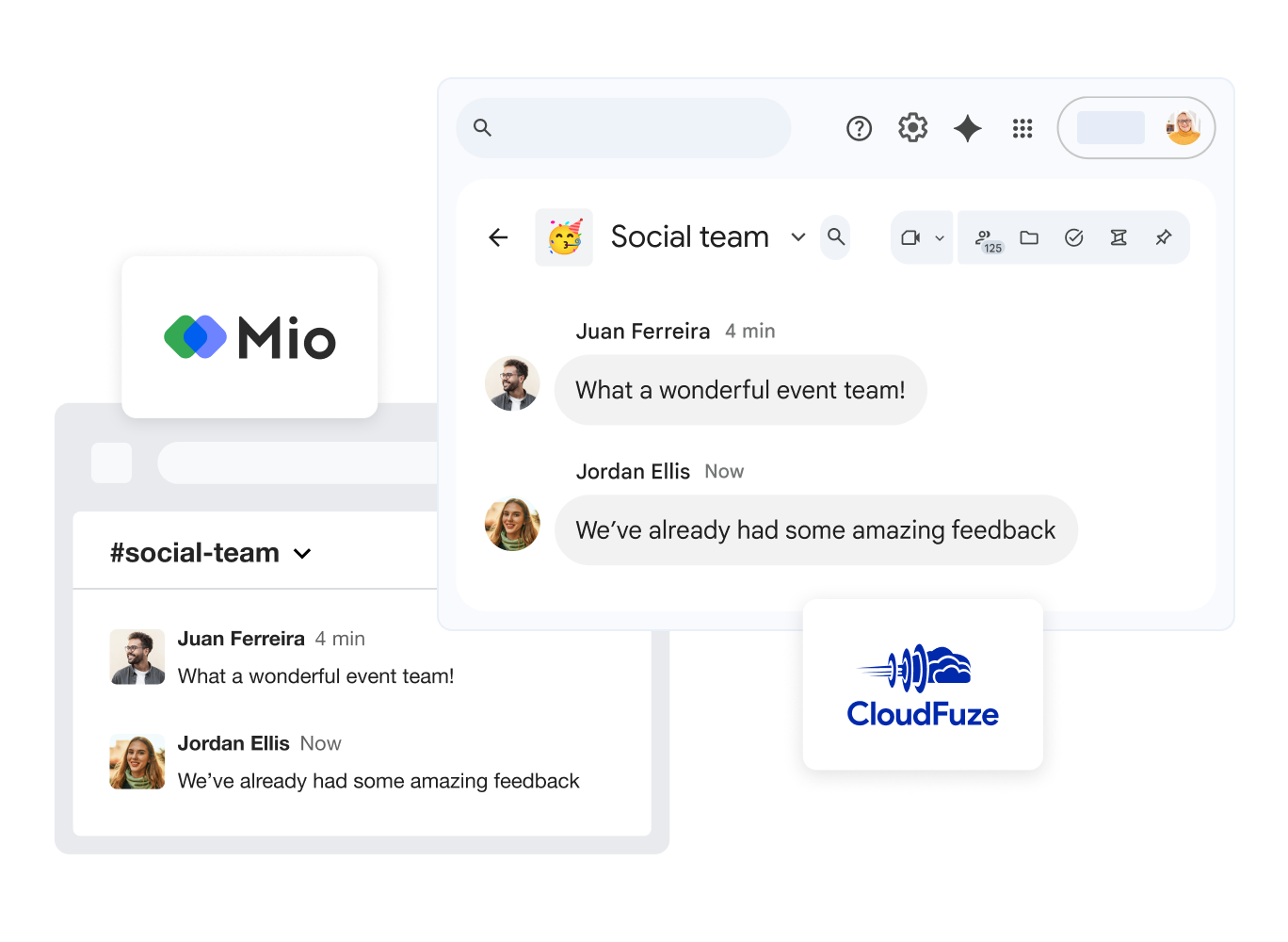
Share Google Docs, Sheets, and Slides files directly in chat. Team members can edit and comment on files without leaving the application.
Secure and Protected Environment
Google Chat utilizes enterprise-grade security standards. Your communications and shared files are protected by industry-leading technologies.
Fast Connection
Message colleagues instantly and receive quick responses, making business decision-making easier.
Task Management
Create and distribute tasks directly within Spaces to monitor project progress effectively.
Integrated Meet Calls
Start a video or audio call directly from chat with one click, without opening external applications.
