
Google Drive
Drive: Secure Space for Storing and Sharing Files
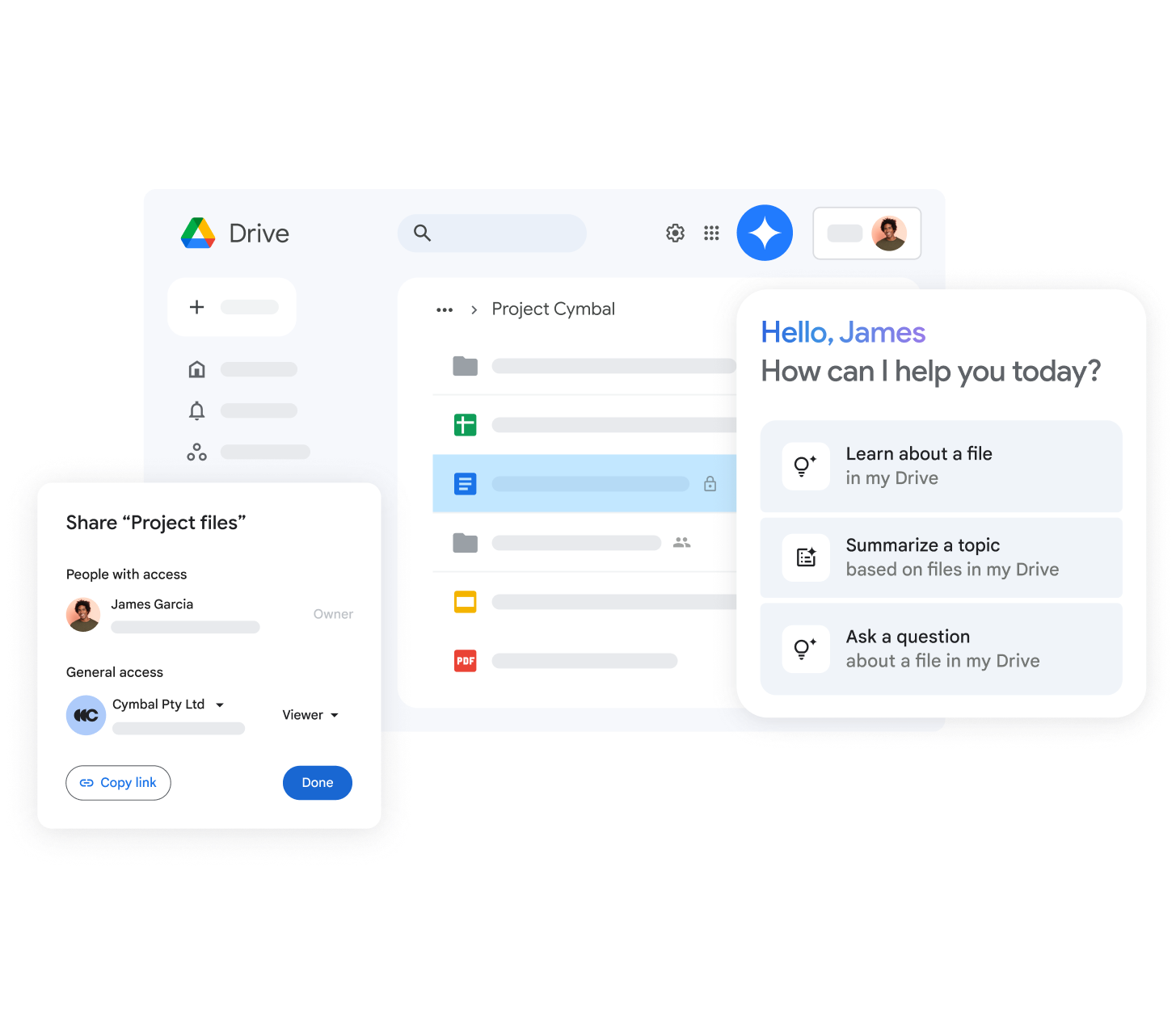
Store all your files in one secure place. Access files anytime, from any device, and manage sharing permissions easily.
Whether you are a small startup or a large corporation in Georgia, we help you keep your business data safe and accessible.
Learn More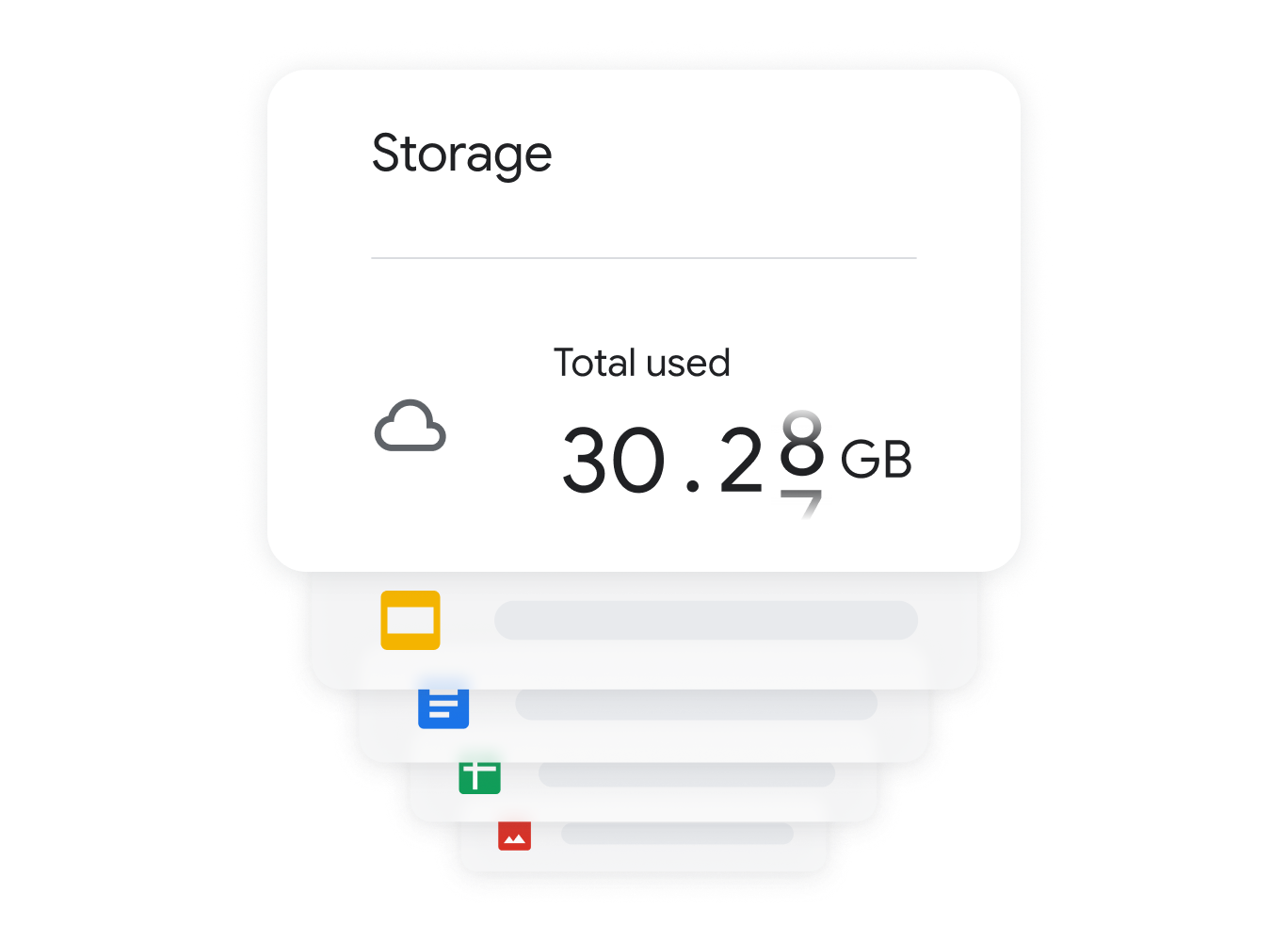
Get as Much Space as You Need
Google Workspace offers flexible storage options tailored to your business needs. With centralized administration and data loss prevention, you can seamlessly manage users and control file access.
AI-Powered Intelligent Search
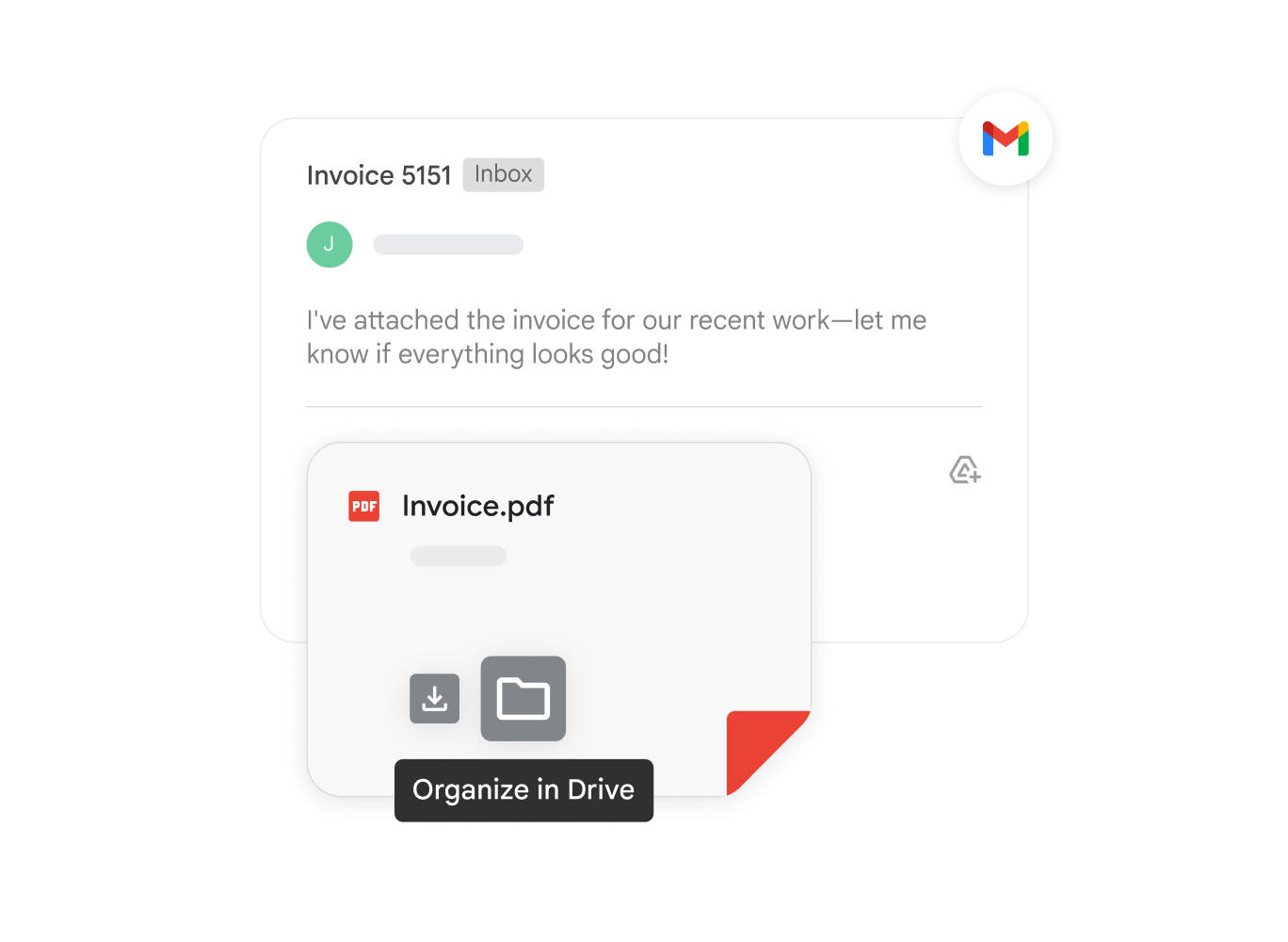
Google Drive uses Google's advanced AI search engine to identify relevant content and priority events for you. It offers rapid access to the right files exactly when you need them.
Organize Files in Team Shared Drives
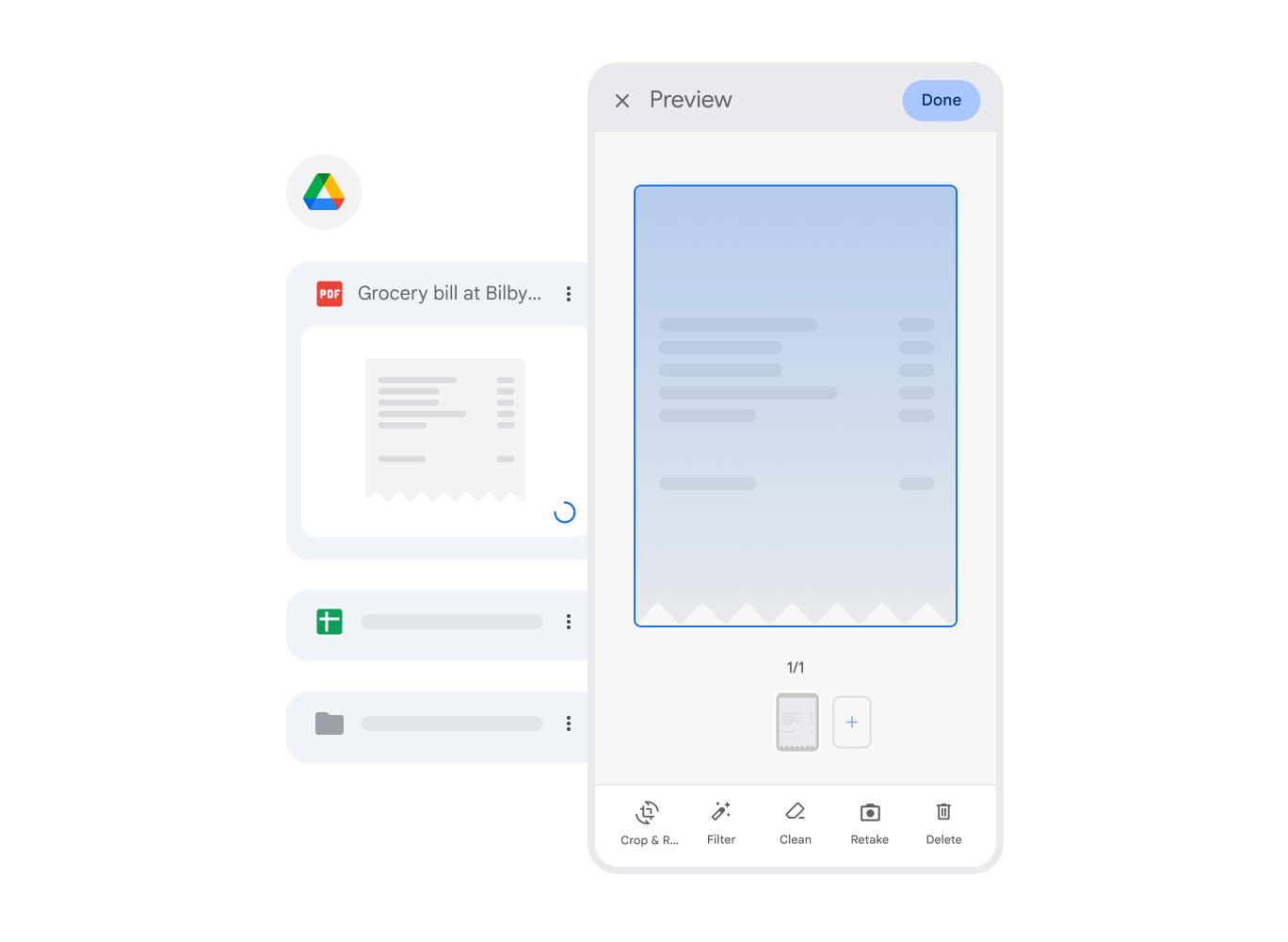
Use Shared Drives to store and manage your team's collective work. Every file uploaded to a Shared Drive automatically belongs to the team, ensuring data continuity and preventing loss even after an employee leaves.
Seamless Integration with Your Favorite Apps
Leverage powerful integrations like DocuSign for e-signatures, CloudLock for advanced security, and full Microsoft Office compatibility. Open, edit, and save Word, Excel, and Powerpoint files directly through Drive.
Intelligent Search
Drive utilizes Google's AI technology to predict your needs and find essential files instantly.
Cloud Ecosystem
Store files safely in the cloud without consuming local device memory and access them from any platform.
Shared Drives
Enhance team efficiency and security by leveraging shared ownership of business-critical files.
