
Looker Studio
Discover New Insights with Google Looker Studio
Google Looker Studio (formerly Google Data Studio) transforms raw information into visually appealing and comprehensive reports. By connecting various data sources, you get a complete picture of your business performance.
As part of the Google Workspace ecosystem, it integrates seamlessly into your workflow.
Learn More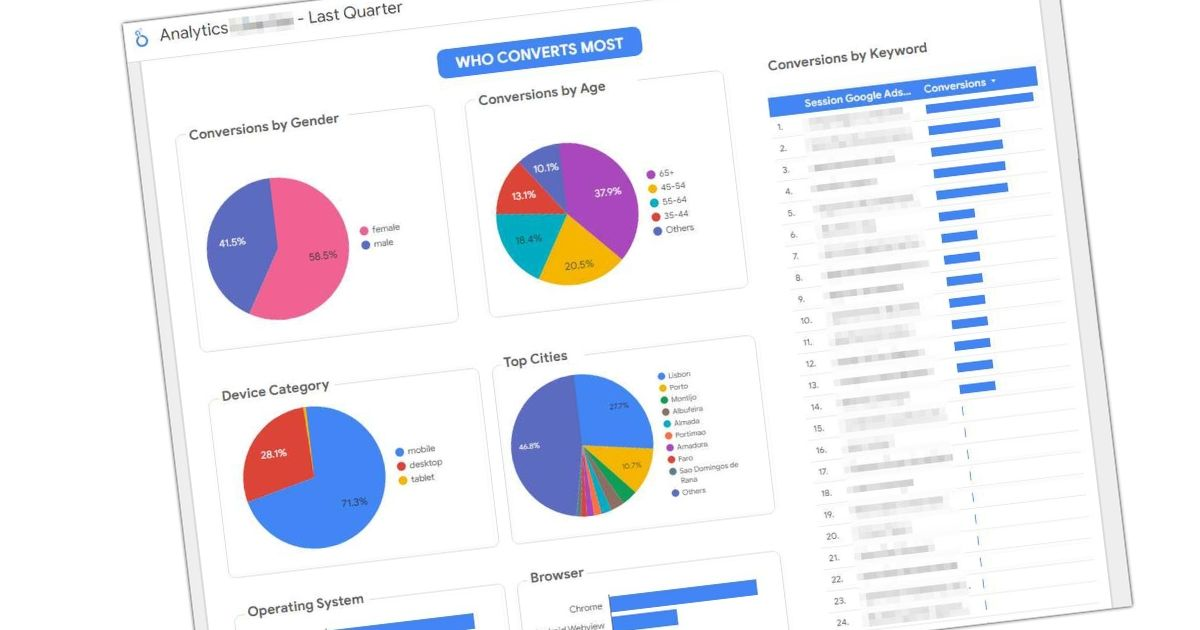
Data Integration from Various Sources
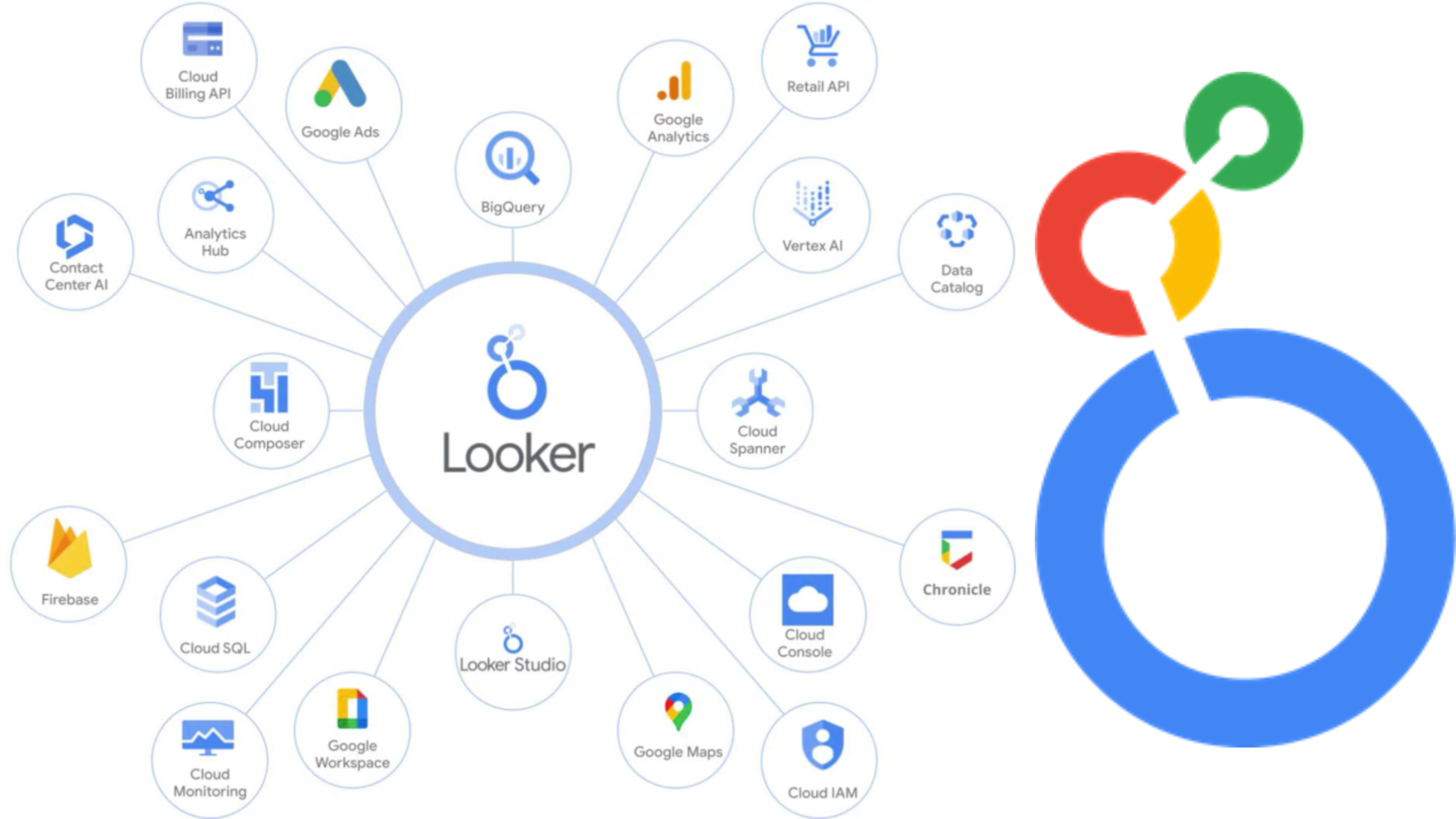
Looker Studio seamlessly connects to a wide range of data sources, including Google Analytics 4, Google Sheets, Google Ads, BigQuery, and advanced SQL databases (MySQL, PostgreSQL). Unify your data on a single platform and gain valuable insights.
Automation of Reporting and Time Saving
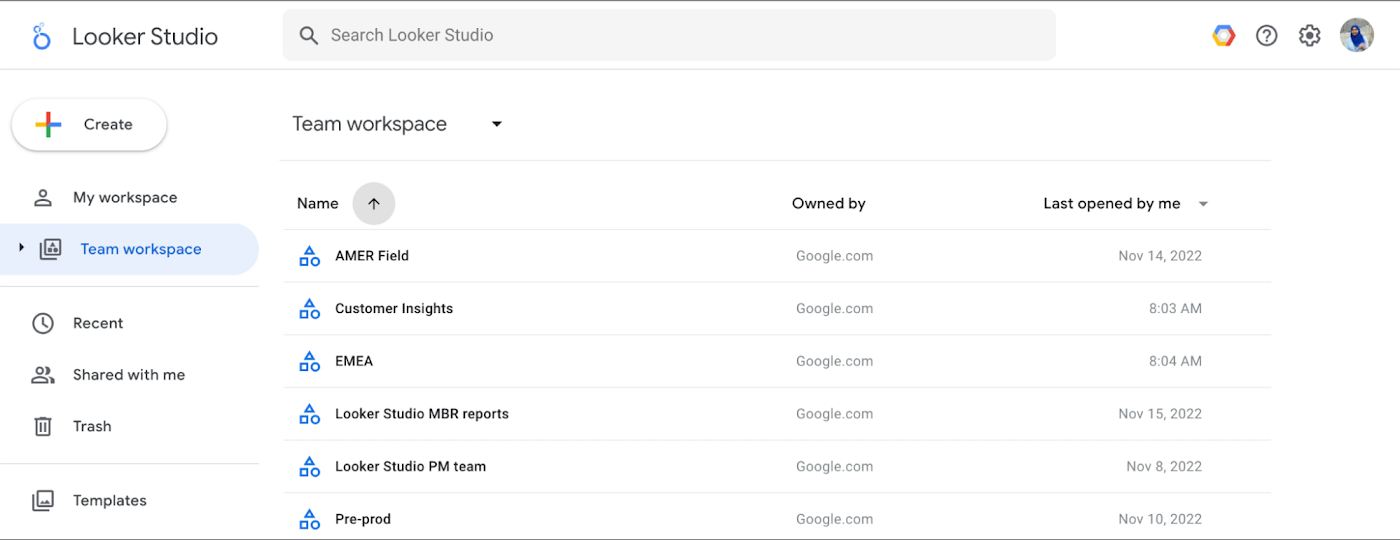
Automate the creation and distribution of ongoing reports using Looker Studio’s scheduling functions. Set up daily or weekly reports so that department heads automatically receive necessary KPIs via email.
Improve Data Storytelling
Use Looker Studio to create thorough presentations about business growth. Combine visuals with text and annotations to explain trends and highlight key findings.
Create Interactive Dashboards
Develop custom panels for your business’s specific needs with Looker Studio’s intuitive (Drag & Drop) interface. Use various charts and graphs to visualize metrics.
Automatic Reporting
Eliminates the need for manual data export/import and chart processing.
Data Integration
Connects via connectors to Google Analytics, Google Ads, CRM systems, and numerous external sources.
Online Accessibility
Access your reports and dashboards directly from your browser, anytime on any device.
