
Google Vault
Data Retention and Archiving with Google Vault
Google Vault helps organizations securely store, archive, and retrieve data directly from Google Workspace, including Gmail, Google Drive and Google Meet applications.
Ensure you maintain important information for legal and regulatory purposes in Georgia.
Learn More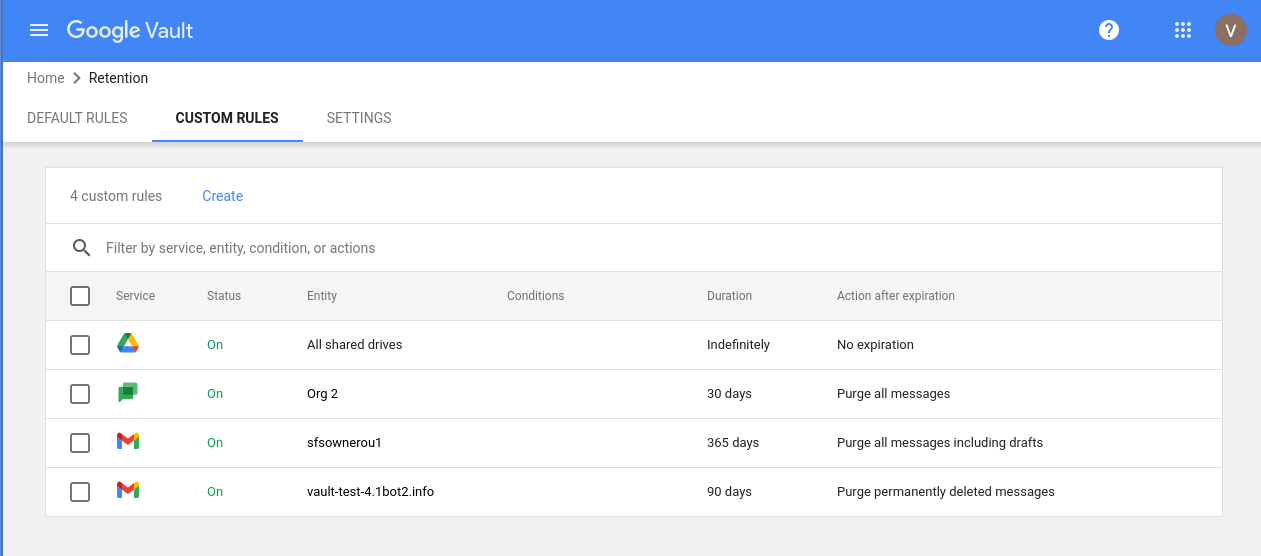
Simplification of eDiscovery Processes
Simplify the electronic discovery (eDiscovery) process with Vault's powerful search and export tools. Quickly find relevant data, apply a 'Legal Hold,' and download information in standard formats for transfer to legal counsel.
Protect Confidential Data from Deletion
Google Vault provides an additional layer of protection against data loss or accidental deletion. Keep important emails, files, and records so that they are always available and recoverable.
Full Control Over Company Data
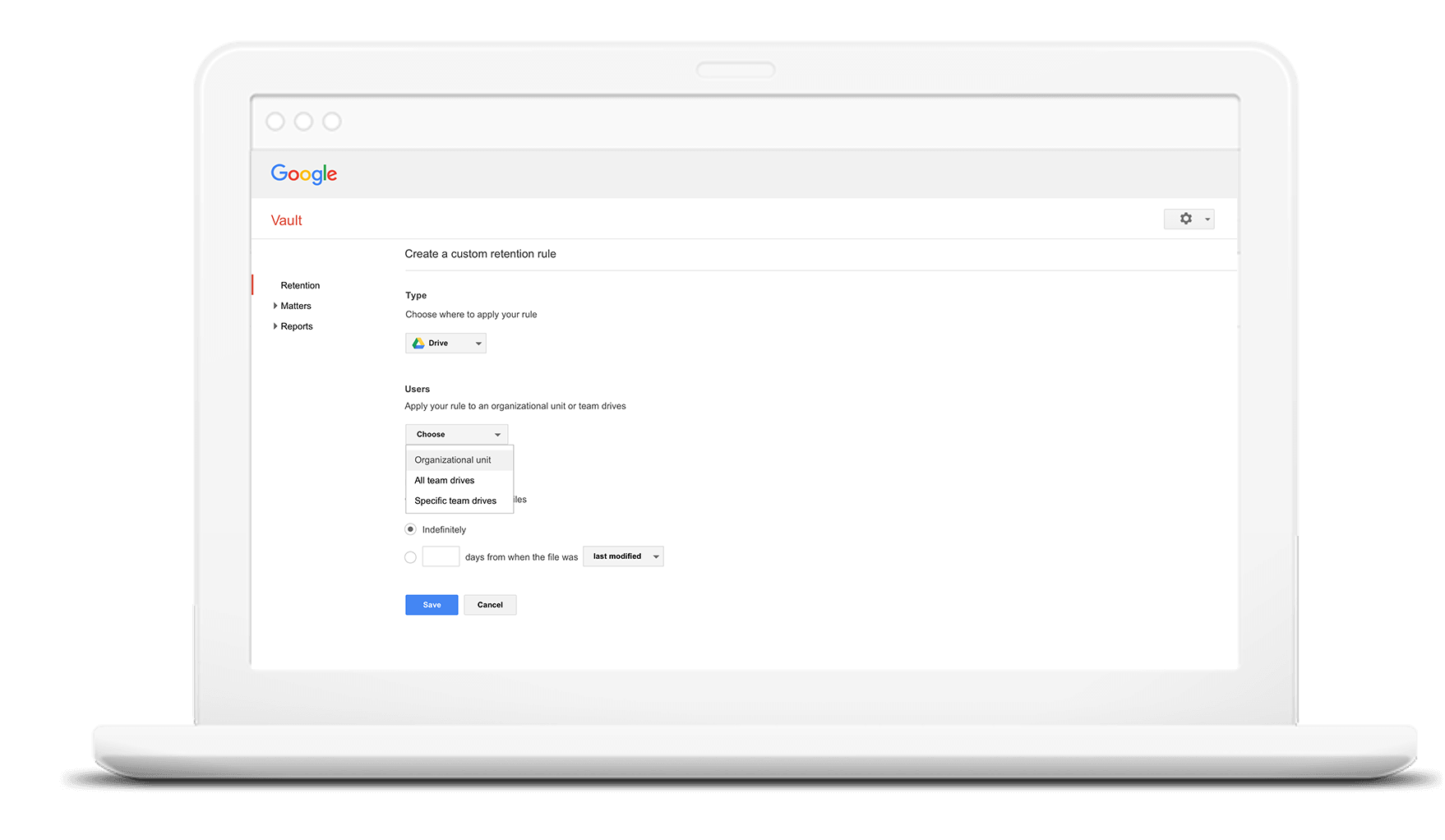
Manage the information lifecycle based on predefined rules (Retention rules) to automatically maintain or delete data. With Google Vault, you control how long specific types of files are kept in storage.
Expert Support from Geosoft Cloud
Geosoft Cloud offers expert support in Google Vault configuration, implementation, and ongoing management. Use our experience in data administration to secure your business in Georgia.
eDiscovery Tools
Simplifies searching through emails and files, case management (Legal Hold), and data export.
Data Protection
Protects the company from deleted emails. Information stored in Vault is not deleted even if an employee deletes it.
Retention Rules
Automatically saves, or conversely - deletes data (Retention rules) according to parameters you set.
