
Microsoft Word
Create Professional Documents
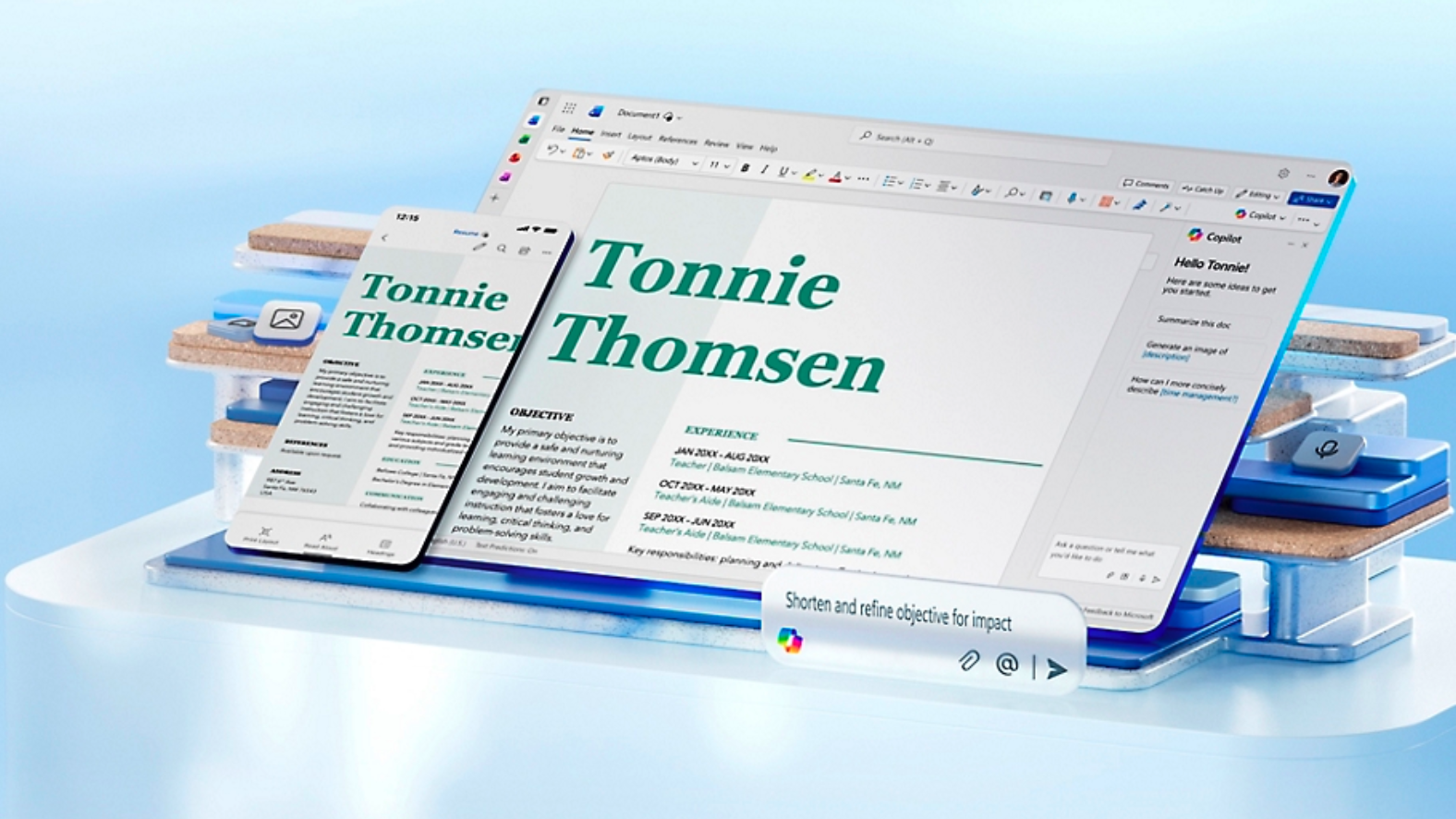
Microsoft Word provides all the necessary tools to create high-quality documents, whether it’s a simple letter or a complex business report.
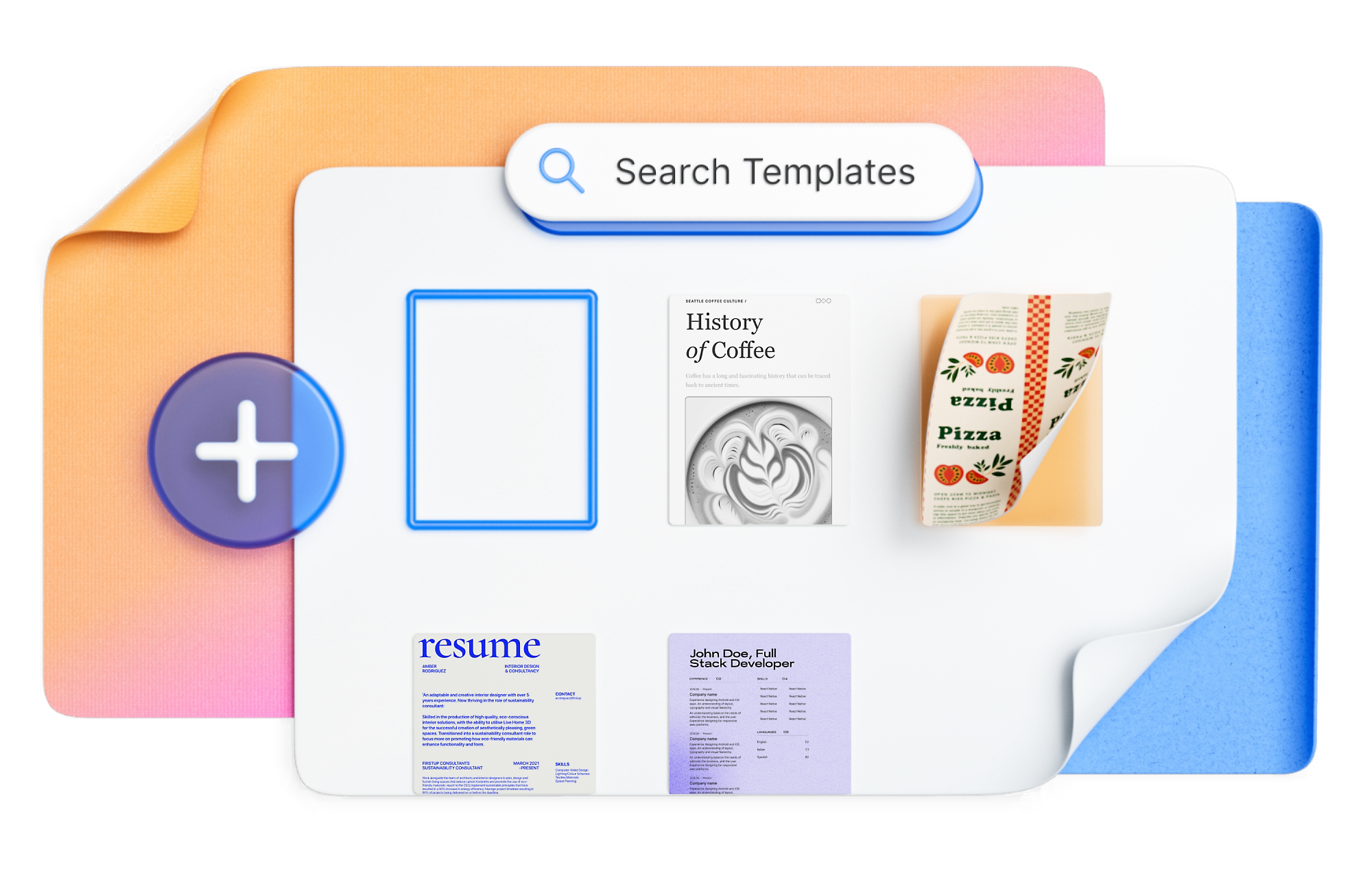
Utilize ready-made templates and extensive formatting possibilities to achieve impressive and professional results.
Learn More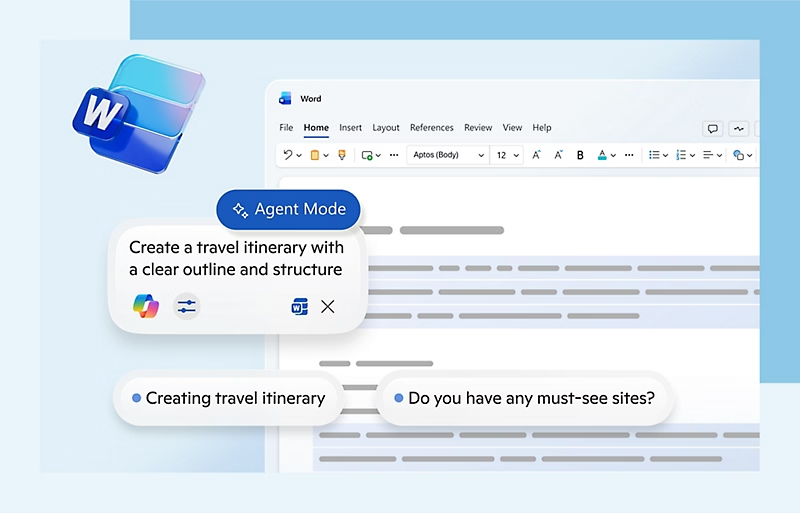
Efficient Editing and Formatting
Simplify the writing process with Word’s powerful editing features. Check spelling, change styles, and tailor the design to your specific needs.
Real-time Collaboration
Work on documents simultaneously with colleagues. See changes instantly and leave comments for better team communication.
Smart Proofreading
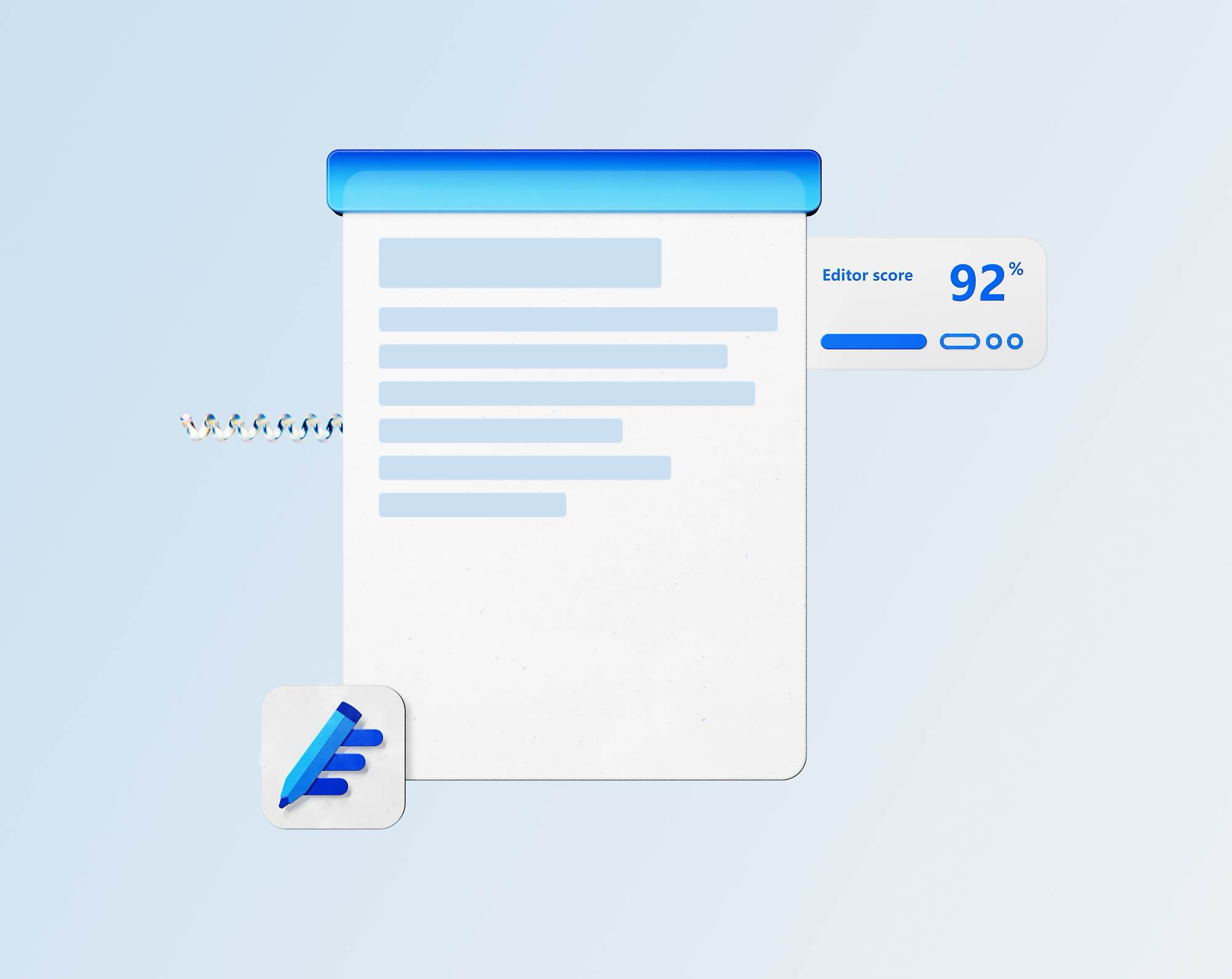
Microsoft Editor helps you write better. Get suggestions to improve grammar, style, and clarity in over 20 languages.
Integration and Mobility
Word is fully integrated with OneDrive, meaning your documents are automatically saved and accessible on all your devices.
Industry Standard
Word is the most widely used word processor in the world, ensuring compatibility with any business partner.
Cloud Storage
Store documents in OneDrive and access them from any location with an internet connection.
Collaborative Work
Easily share files and work together with your team in real-time on the same document.
