
Endpoint Management
Protect Your Devices with Google Workspace Endpoint Management
Google Workspace Endpoint Management provides comprehensive security to protect your organization’s (or employee’s) data across various devices, including Android, iOS, and Windows systems.
Ensure that company resources are accessed only from secure and policy-compliant devices, reducing the risk of data breaches in Georgia.
Learn More
Centralized Control Over Android, iOS, and Windows Devices
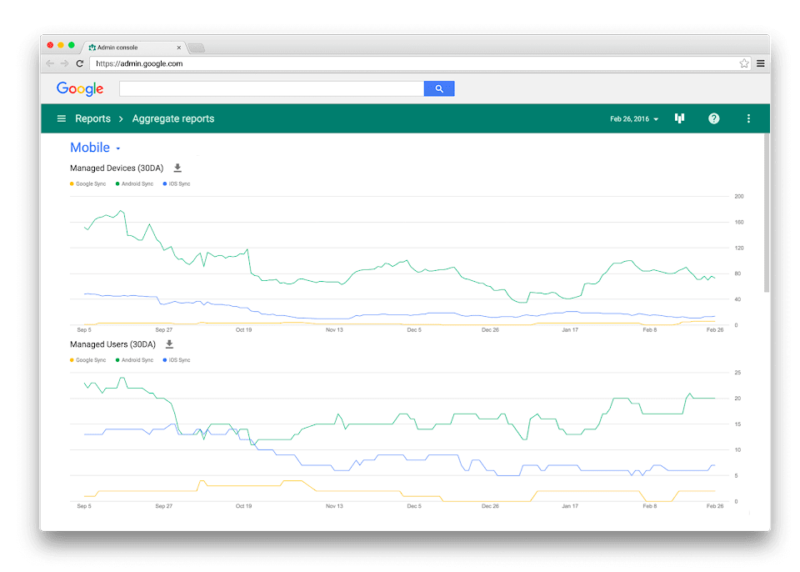
Manage all your organization’s devices from a single panel with Google Workspace Endpoint Management (MDM - Mobile Device Management). Simplify device enrollment, status monitoring, and settings management for Android, iOS, and Windows devices.
Enforcement of Security Rules and Policies
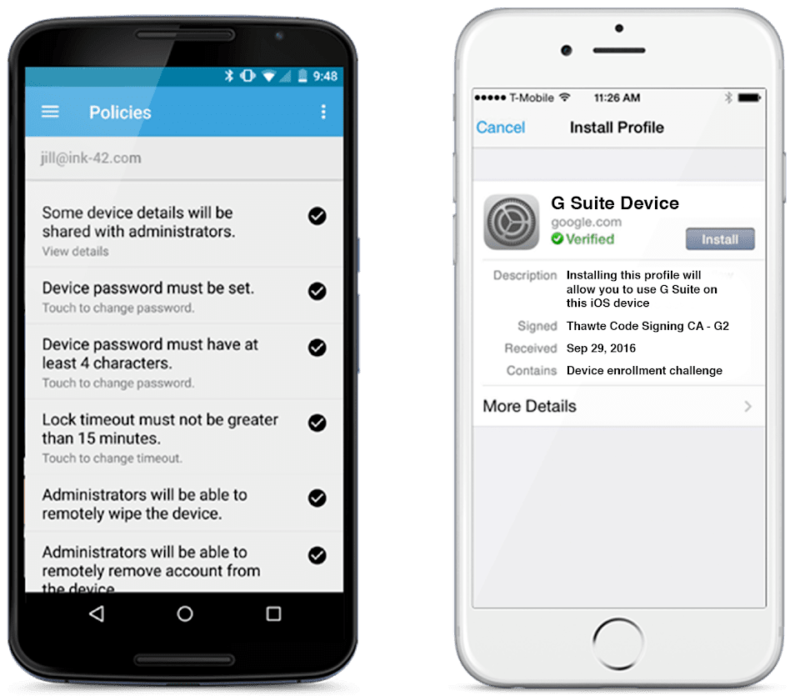
Establish strict security rules on all devices registered in your system (Managed), including password requirements, mandatory data encryption, and more. Endpoint Management helps you maintain compliance with industry privacy standards.
Remote Locking and Wiping of Lost Devices
Protect sensitive data by remotely blocking or wiping lost or stolen devices. Google Workspace Endpoint Management allows you to immediately respond to security incidents.
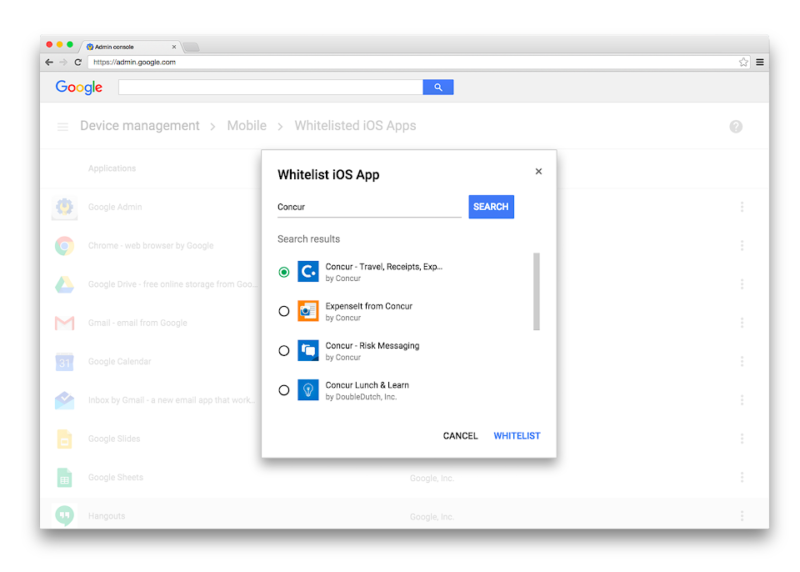
Automated App Installation and Updates
Automate the deployment and update of work applications on company devices. Ensure that all users have access to the latest and most secure versions of software (Patch Management).
MDM Automatic Registration
Simplify device registration with automatic configuration, reducing the load on IT staff.
Cross-platform Support
Manage and control Android (Zero-touch), iOS/iPadOS, and Windows 10/11 devices.
Security Policy
Strengthen protection mechanisms and require screen lock codes and disk encryption.
