
Google Meet
High-Quality Video Conferences with Google Meet
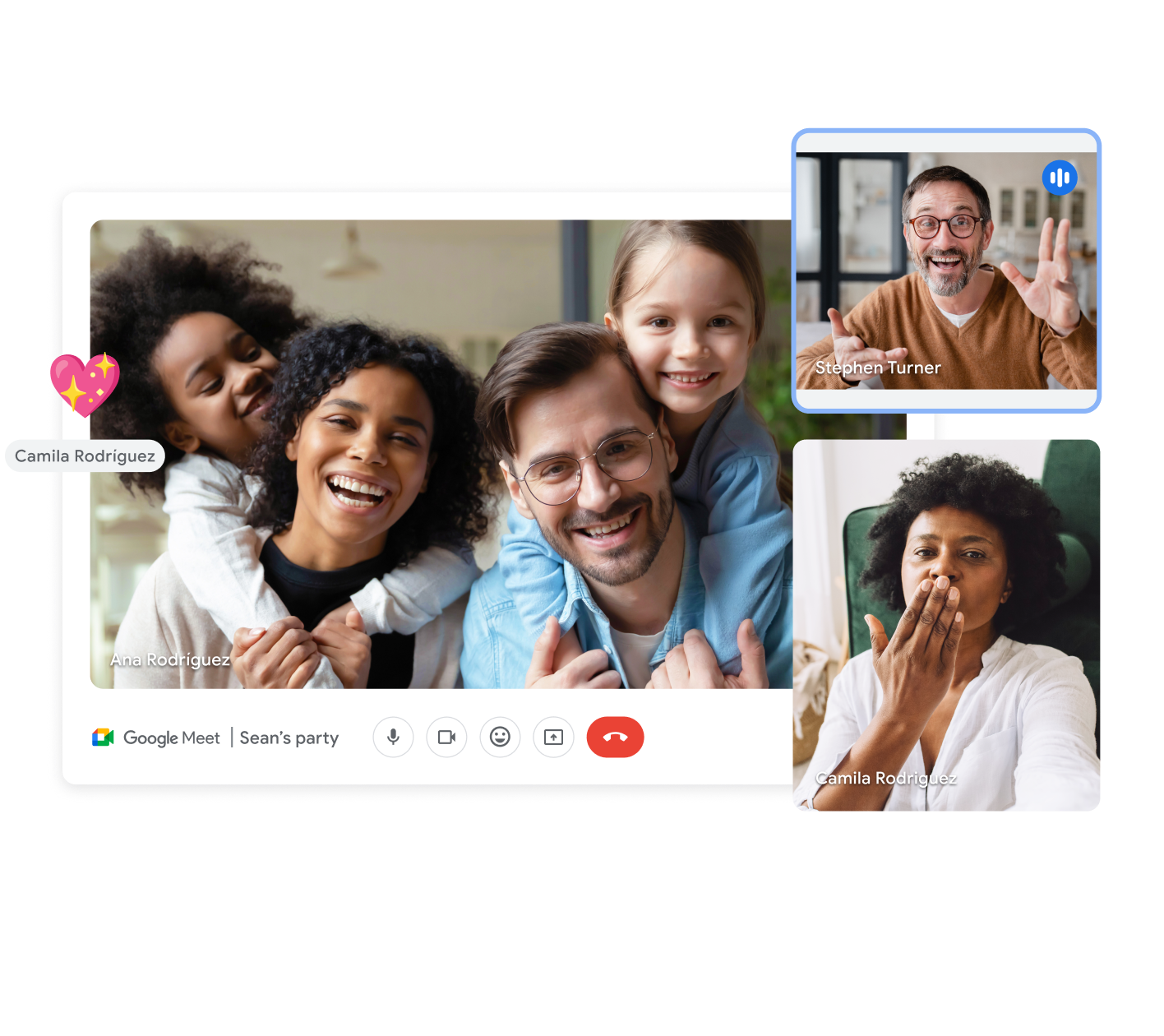
Google Meet offers HD video and audio connection for effective communication. Conduct online meetings from anywhere in the world and improve teamwork with Google Workspace.
As part of Google Workspace, Google Meet is fully integrated with Chat, Calendar, and Drive applications.
Learn More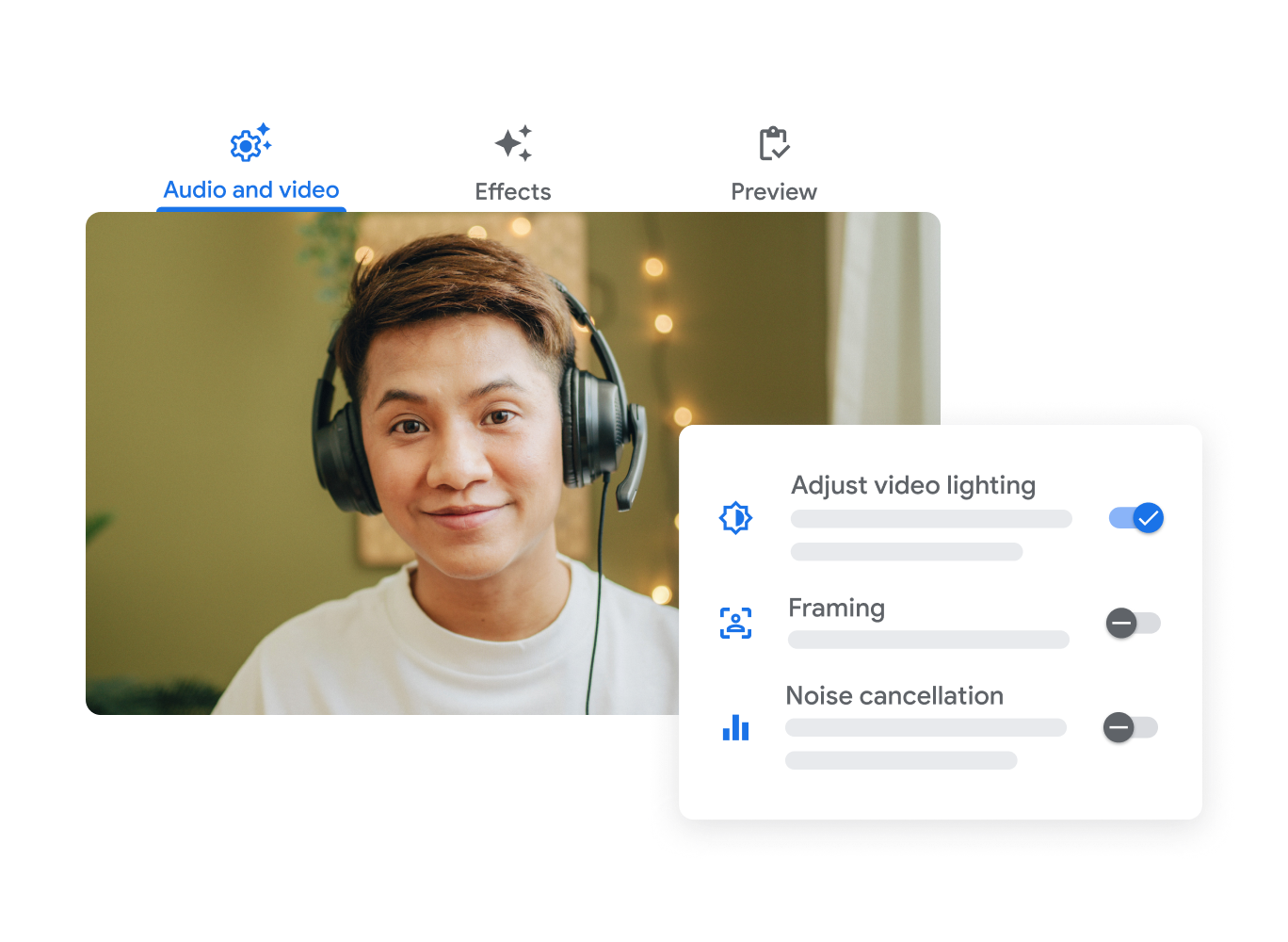
Screen Sharing for Easy Collaboration
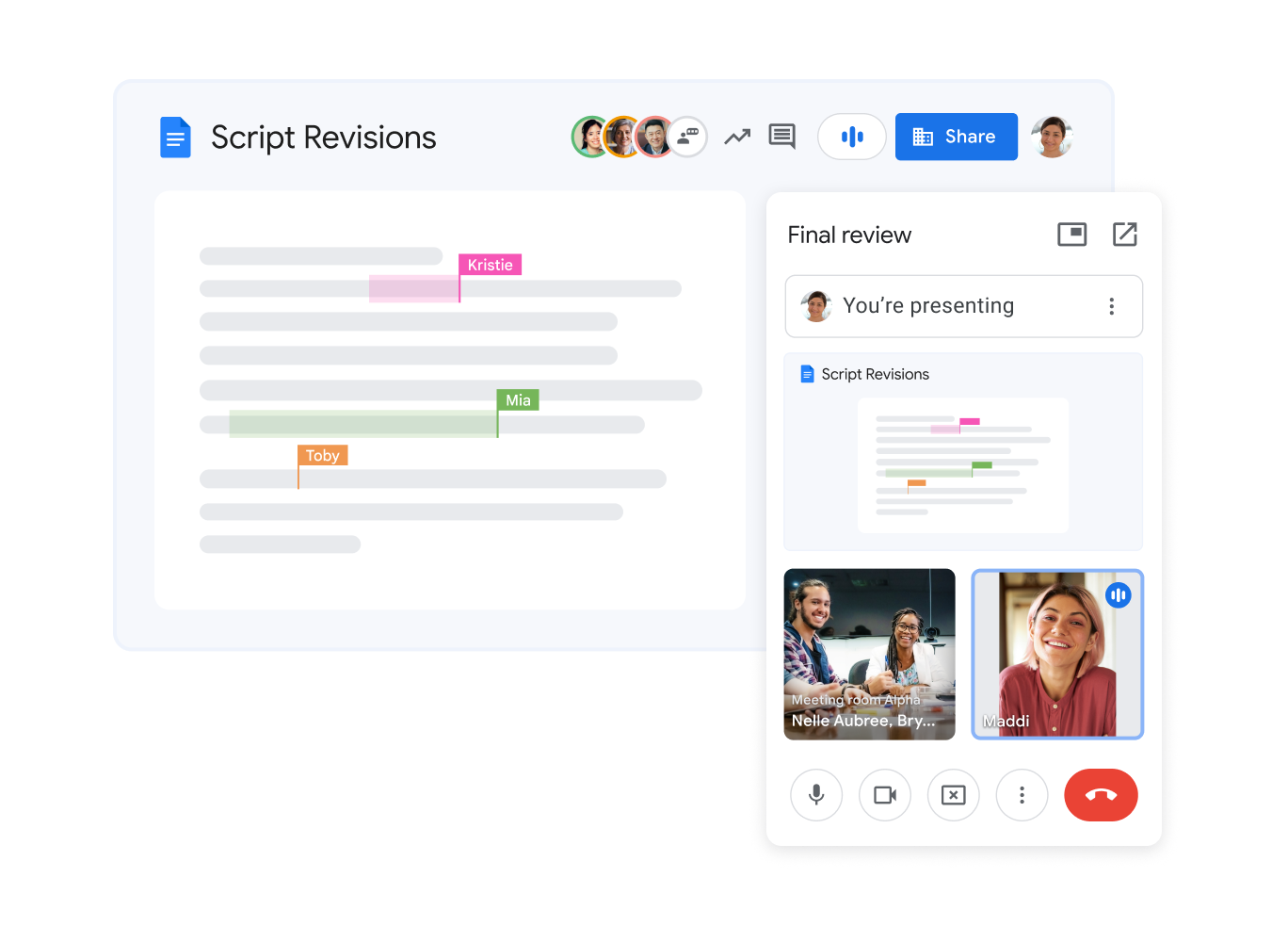
Share your screen during an online call to show presentations, documents, and designs. Google Meet simplifies interactive discussions with colleagues or partners.
Join a Call from Any Device
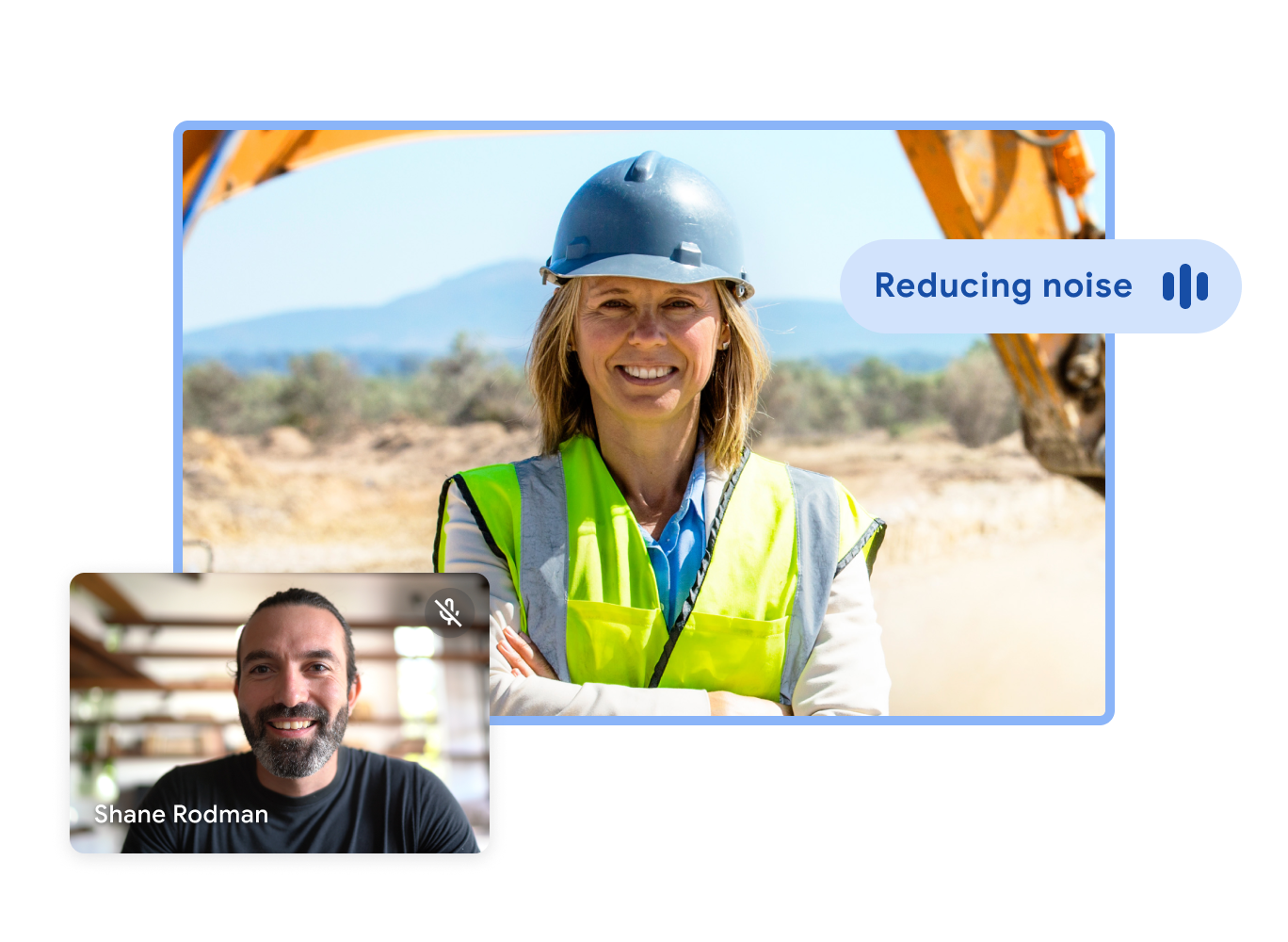
Participants can join a Google Meet call from any device, whether it’s a computer, tablet, or smartphone. This ensures that everyone attends the meeting, regardless of location or device.
Record Meetings for Future Use
Record Google Meet sessions to save important decisions and share the video with absent colleagues. This increases transparency and accountability in the team.
Secure and Encrypted Video Calls
Google Meet uses data encryption to ensure complete organizational security. Protect sensitive information and maintain confidentiality during virtual meetings.
Improved Collaboration
Screen sharing, in-call chat, breakout rooms, and an interactive Hubbard (Whiteboard) ensure effective work in meetings.
Direct Connection to Calendar
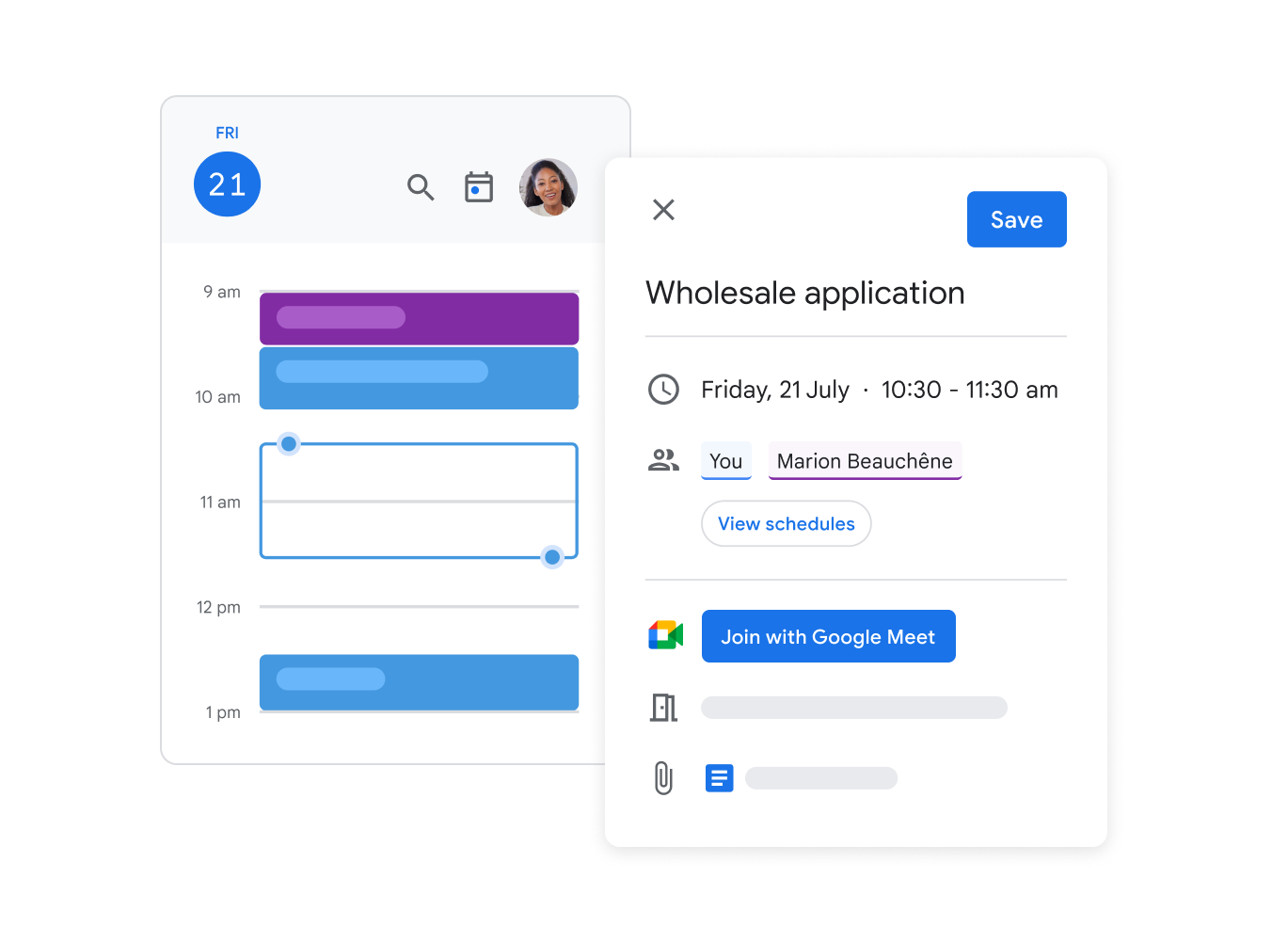
Schedule a video call directly from Google Calendar and send the meeting link to participants with one click.
Meeting Management by Host
Manage meetings effectively. Mute users, remove unwanted guests, and control screen sharing.
