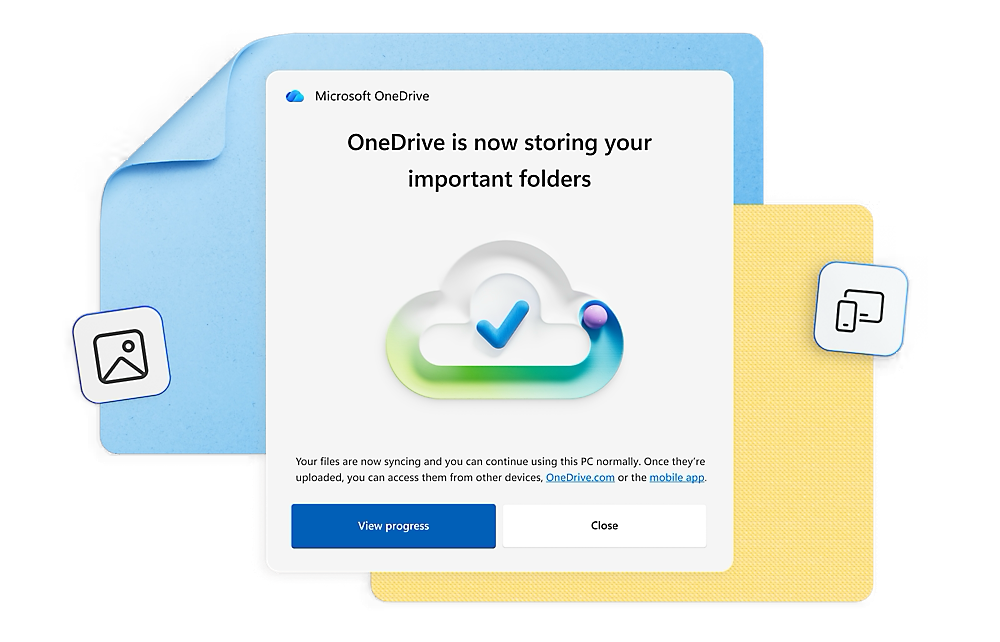

Microsoft OneDrive
Secure Cloud Storage
Microsoft OneDrive provides a reliable cloud space where your files are protected and accessible from any location or device.
Access your documents from the office, home, or on the go, and collaborate with your team seamlessly without interruptions.
Learn More
File Sharing and Collaboration
Share files and folders with colleagues easily. Define specific access permissions and work on documents together in real-time.

Data Protection and Security
Protect your business information with Microsoft’s advanced security standards. OneDrive offers file recovery, encryption, and proactive virus protection.
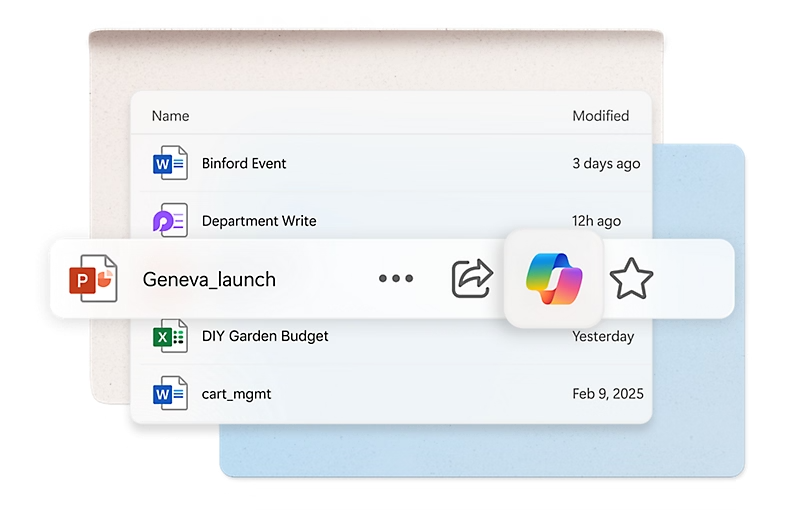
Access on All Devices
Install OneDrive on your computer, tablet, and smartphone. Your files synchronize automatically, ensuring you always have access to the latest versions.
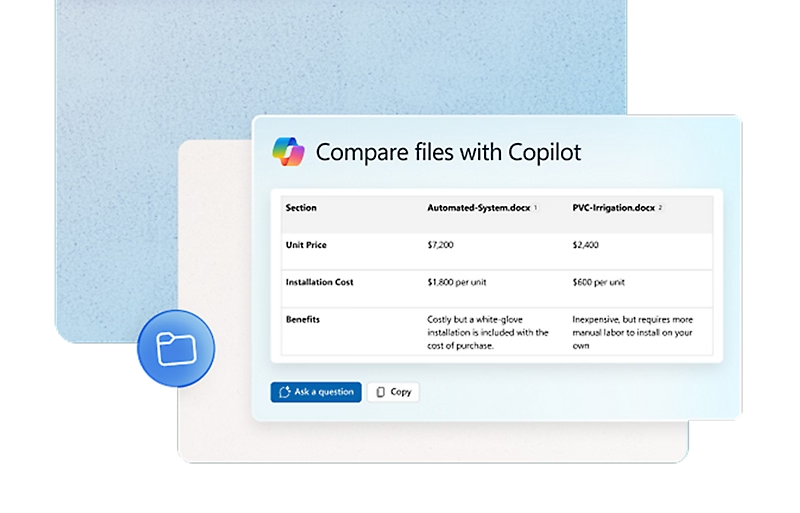
Microsoft 365 Integration
OneDrive works perfectly with Word, Excel, PowerPoint, and Teams. Save attachments directly to the cloud and share links for faster file transfers.
Automatic Sync
Your files are automatically updated across all linked devices, ensuring consistency and ease of access.
File Recovery
Easily restore previous versions of deleted or modified files for up to 30 days, preventing data loss.
Offline Access
Mark critical files for offline mode and continue working even without an active internet connection.
