




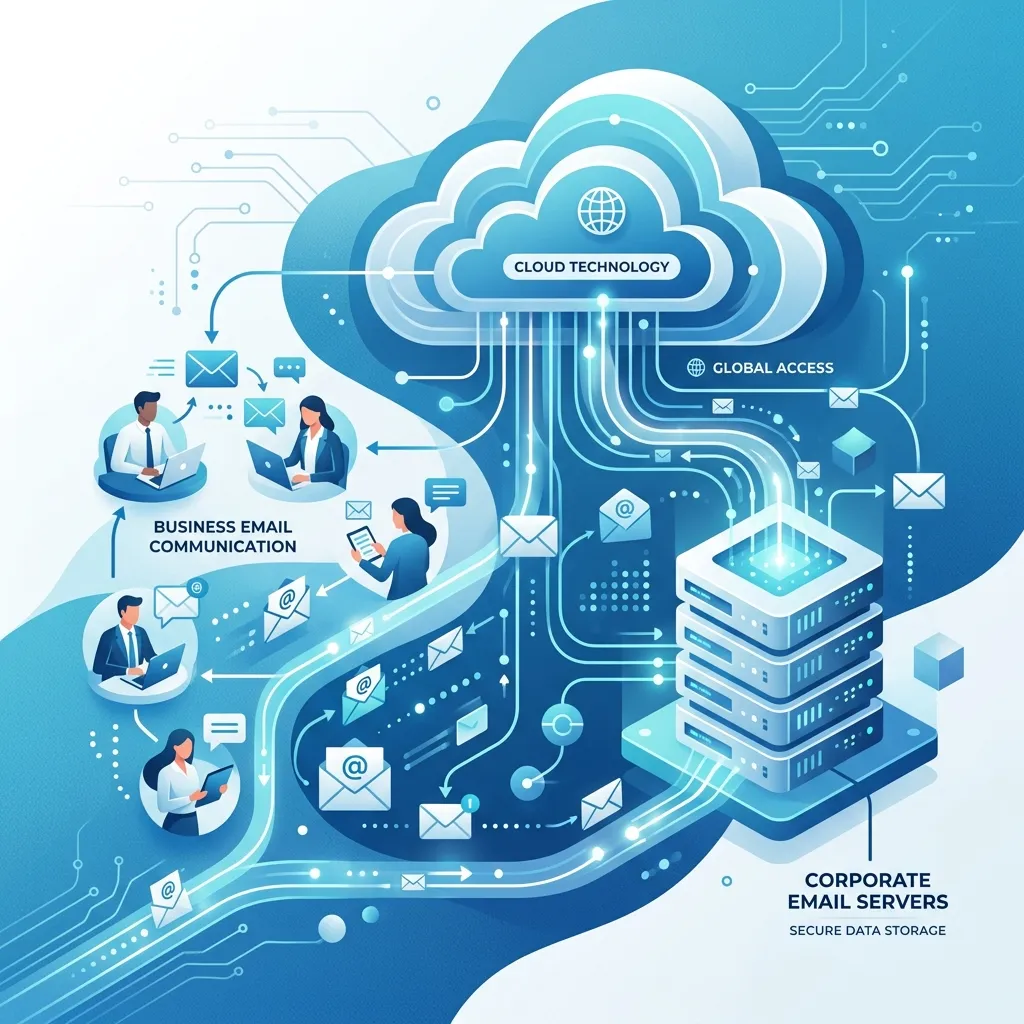
 Google Workspace Overview
 Gmail
Gmail
 Google Calendar
 Google Drive
 Google Editors
 Google Docs
 Google Sheets
 Google Slides
 Google Forms
 Google Sites
 Google Keep
 Google Vids
 Google Chat
 Google Admin
 Endpoint Management
 Remote Desktop
 Looker Studio
 Apps Script
 Workspace Studio
 Vault
Vault AppSheet
 Gemini
 Gemini Notebook
 Pricing
 Google Cloud Overview
 Cloud Run
 Compute Engine
 Cloud Storage
 BigQuery
 Google Kubernetes Engine
 Looker
 Apigee API Management
 Cloud SQL
 Gemini Enterprise
 Cloud CDN
 Microsoft
365 Overview
Microsoft
365 Overview Microsoft Outlook
 Microsoft Teams
 Microsoft Excel
 Microsoft Word
 Microsoft OneDrive
 Microsoft PowerPoint
 Microsoft SharePoint
Why Cloud Security Is Your #1 Business Priority
As organizations move to cloud-first environments, security becomes increasingly critical. 95% of cloud security failures are caused by customer misconfiguration, not by cloud provider vulnerabilities.
Google Workspace provides multiple layers of protection - but knowing how to configure and use them properly makes the difference between a secure organization and a vulnerable one.
Core Security Features Built Into Google Workspace
Multi-Factor Authentication (MFA)
MFA is the single most effective control against account compromise. When properly enforced, MFA reduces successful phishing attacks by 99.9%.
Google Workspace supports:
- Google Authenticator (TOTP)
- Hardware security keys (FIDO2/WebAuthn)
- Phone-based verification
- Passkeys (phishing-resistant authentication)
Single Sign-On (SSO)
Centralized SSO improves both security and user experience:
- Employees use one set of credentials for all apps
- Administrators can revoke access instantly
- All authentication events are logged and auditable
Advanced Endpoint Management
Google Workspace gives administrators the ability to:
- Enforce screen lock and encryption policies on mobile devices
- Remote-wipe lost or stolen devices
- Block access from unmanaged devices
- Apply conditional access policies based on device status
Data Loss Prevention (DLP)
DLP rules automatically scan content for sensitive information and prevent unauthorized sharing:
- Credit card and social security numbers
- Confidential business documents
- Personal health information (HIPAA)
- Custom patterns specific to your organization
Security Best Practices: What Every Organization Should Do
1. Enforce MFA Organization-Wide
Make MFA mandatory for every user - no exceptions. Use the Admin Console to enforce hardware keys for your most privileged users.
2. Enable Advanced Protection Program
For high-value targets (executives, IT administrators, finance team), enroll them in Google's Advanced Protection Program - the strongest available protection against phishing.
3. Configure Alert Policies
Set up automated alerts for:
- Suspicious login attempts (new country, unusual time)
- Mass file downloads or deletions
- External sharing of sensitive files
- Admin privilege changes
4. Conduct Regular Access Reviews
Quarterly audits should cover:
- Which users have admin privileges?
- Which third-party apps have access to Workspace data?
- Which files are shared externally?
- Which inactive accounts still exist?
5. Employee Security Training
Human error remains the leading cause of security incidents. Regular phishing simulation training reduces click rates from 33% to under 5% within 12 months.
How Gemini Enhances Security Operations
AI is transforming how organizations detect and respond to threats:
- Risk analysis - Gemini summarizes security risk across the organization
- Anomaly detection - AI identifies unusual patterns in admin logs
- Incident response - AI generates step-by-step response playbooks
- Report summarization - Convert complex security logs into plain English
Compliance Certifications
Google Workspace maintains certifications for:
- ISO 27001 - Information security management
- SOC 2 Type II - Security, availability, and confidentiality
- GDPR - EU data protection compliance
- HIPAA - Healthcare data protection (with BAA)
- FedRAMP - US federal government compliance
Why Work with Geosoft Cloud?
As Google Workspace Premier Partner, Geosoft Cloud helps businesses:
- Configure secure baseline environments
- Implement MFA and advanced security controls
- Conduct security audits and access reviews
- Train employees on security best practices
- Maintain ongoing compliance
Conclusion: Security is not a one-time project but an ongoing process. Google Workspace provides the foundation - expert implementation and ongoing management ensures maximum protection.