









 Google Workspace Overview
 Gmail
Gmail
 Google Calendar
 Google Drive
 Google Editors
 Google Docs
 Google Sheets
 Google Slides
 Google Forms
 Google Sites
 Google Keep
 Google Vids
 Google Chat
 Google Admin
 Endpoint Management
 Remote Desktop
 Looker Studio
 Apps Script
 Workspace Studio
 Vault
Vault AppSheet
 Gemini
 Gemini Notebook
 Pricing
 Google Cloud Overview
 Cloud Run
 Compute Engine
 Cloud Storage
 BigQuery
 Google Kubernetes Engine
 Looker
 Apigee API Management
 Cloud SQL
 Gemini Enterprise
 Cloud CDN
 Microsoft
365 Overview
Microsoft
365 Overview Microsoft Outlook
 Microsoft Teams
 Microsoft Excel
 Microsoft Word
 Microsoft OneDrive
 Microsoft PowerPoint
 Microsoft SharePoint
Visualize Your Business Performance
Looker Studio (formerly Data Studio) turns your raw business data into interactive, easy-to-understand reports.
Aggregate data from multiple sources into a single dashboard that updates automatically in real-time.
Connect All Your Data
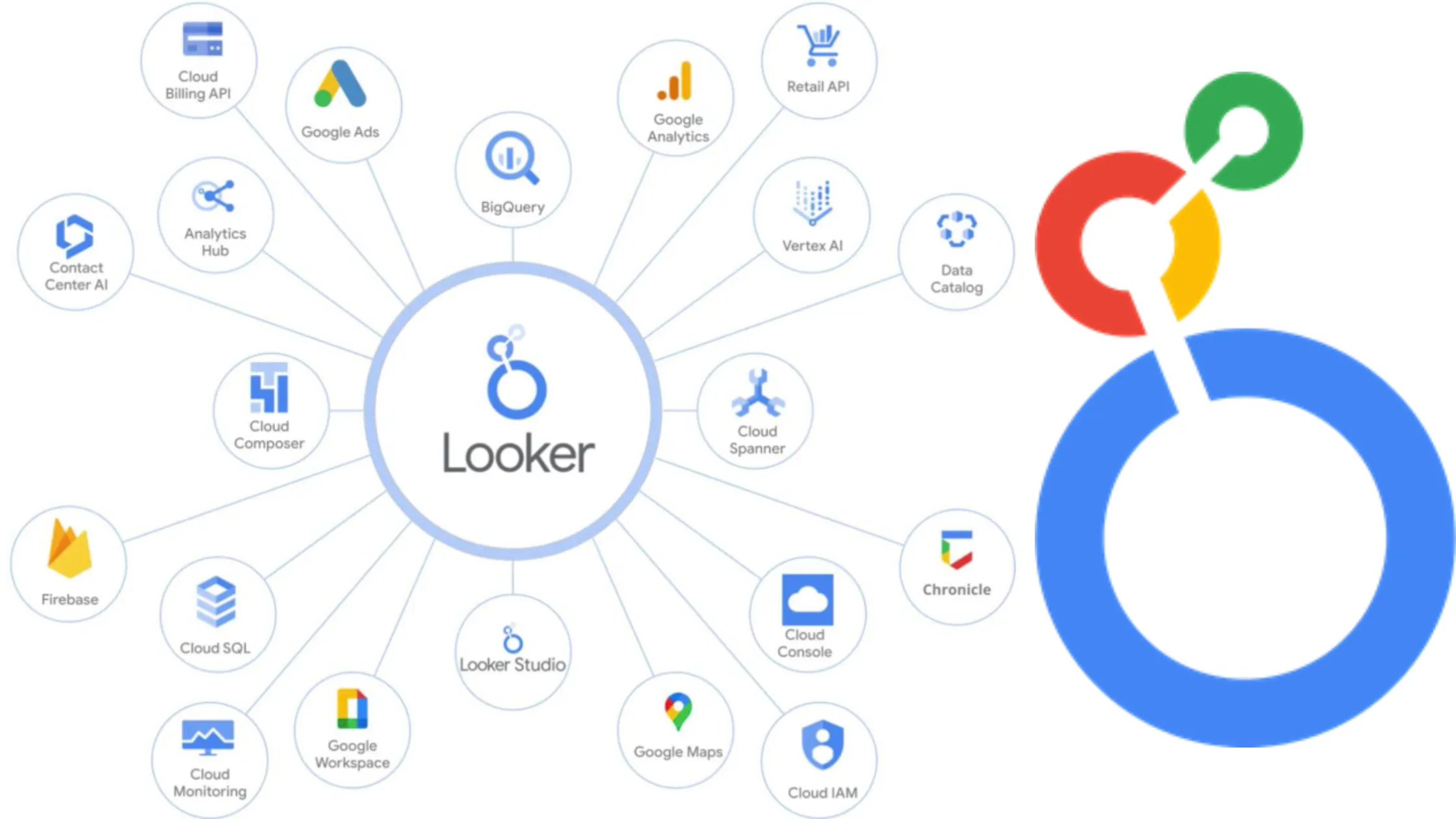
Looker Studio integrates natively with Google Workspace and Google Cloud. Connect Google Sheets, BigQuery, Analytics, and external SQL databases instantly.
Automated Reporting
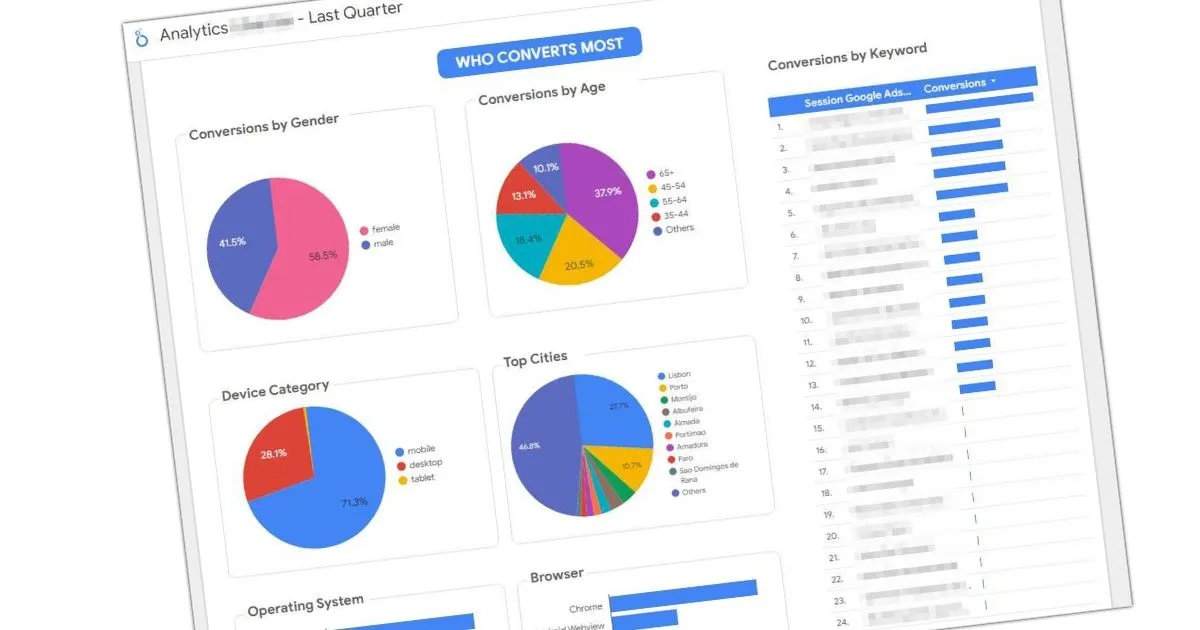
Stop manually compiling weekly reports. Dashboards update automatically as the source data changes, saving your analytics team hours of work.
- Interactive Storytelling
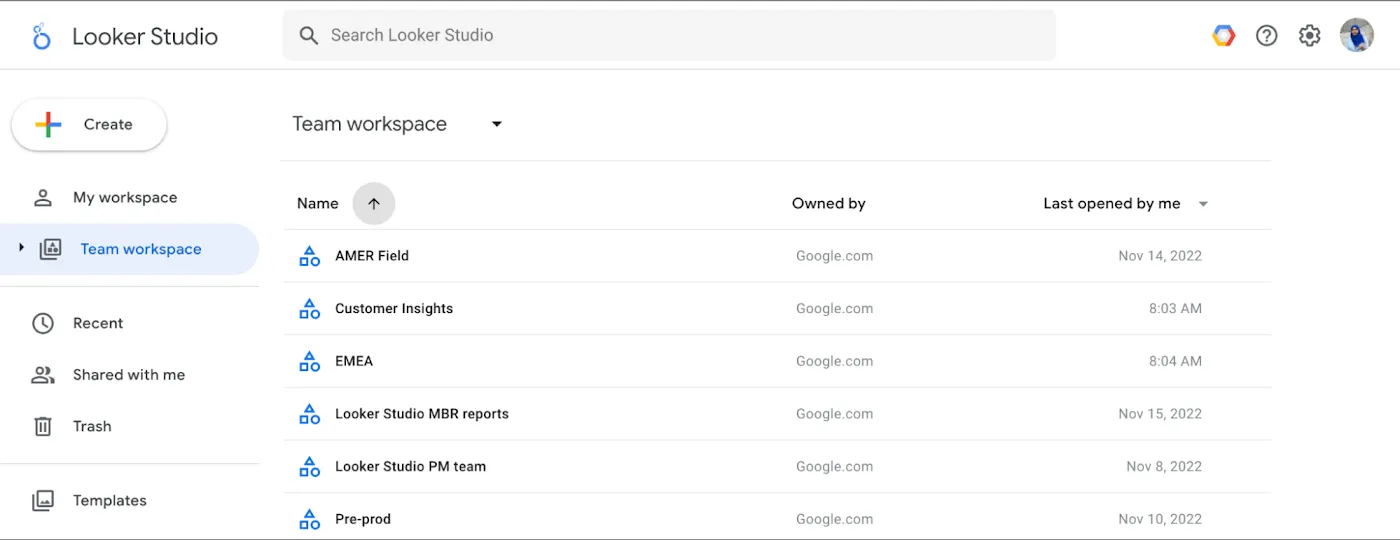
- Add dynamic filters and date range controls, allowing executives to drill down into specific metrics without needing to request new reports.
- Custom Visualizations
- Build dashboards that match your corporate branding. Choose from dozens of chart types, pivot tables, and geospatial maps.
- Scheduled Delivery
- Automatically email PDF snapshots of critical dashboards to stakeholders every Monday morning.
- Community Connectors
- Access hundreds of third-party connectors to pull data from platforms like Facebook Ads and Salesforce.
- Secure Sharing
- Share dashboards exactly like you share a Google Doc, with granular control over who can view or edit the report.
Looker Studio Questions
Looker Studio
Looker Studio is a free, self-service BI tool for dashboarding. 'Looker' is Google's enterprise data platform requiring semantic modeling.
Yes, you can upload CSV files directly, or convert the Excel file to a Google Sheet to establish a live connection.
Yes. Looker Studio acts as a viewer; the data remains securely in the underlying database (like BigQuery) and is governed by your Workspace permissions.
Looker Studio is free to use. You only pay for the underlying data storage or querying costs, such as BigQuery processing fees.
Make Data-Driven Decisions
Geosoft can help Georgian Teams build automated reporting workflows.